// MLC Ollama Studio v0.16.5
MLC Ollama Studio
// Features
Why choose MLC Ollama Studio.
Harness the power of local Ollama servers for private and secure image generation.
Full support for English, German, and Spanish with an extensible i18n system.
Extract artistic styles and analyze visual content with specialized vision models.
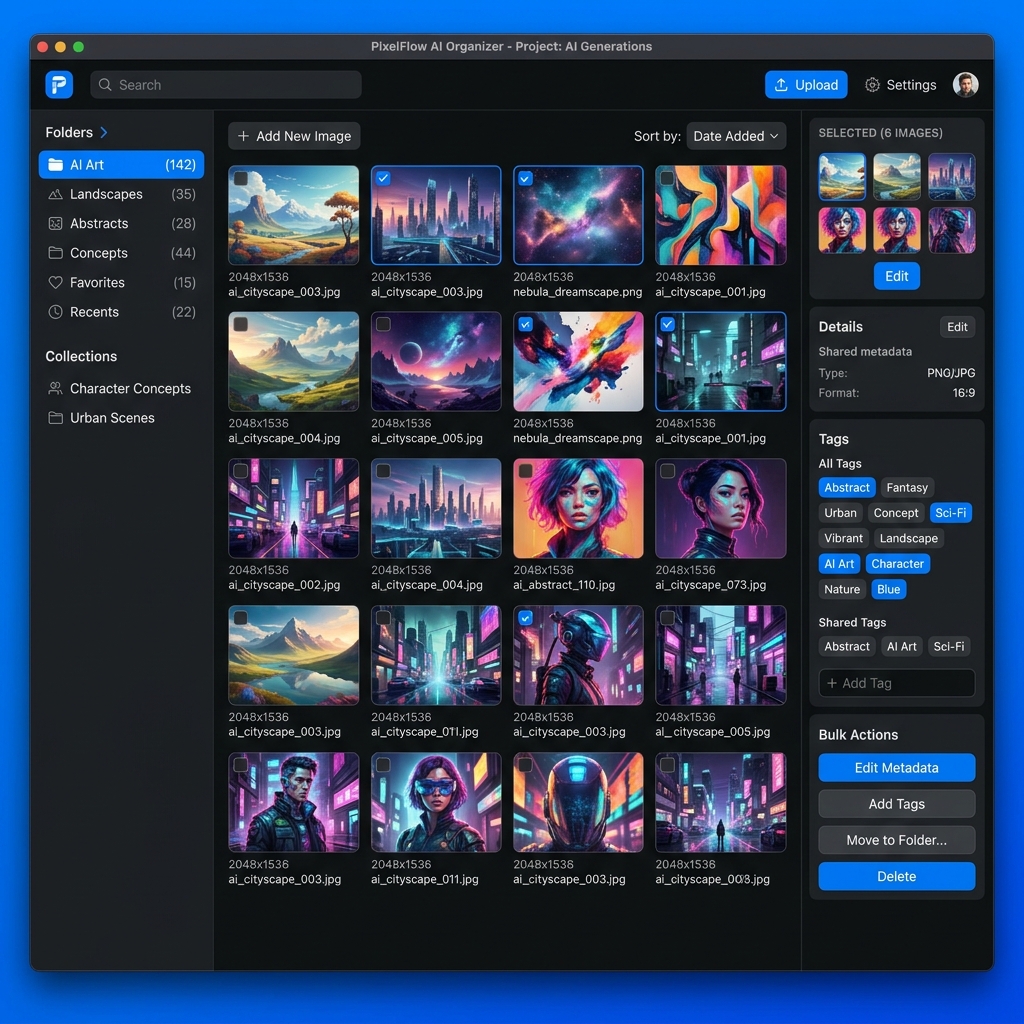
Powerful image management with folders, tagging, and searchable history.
Generate dozens of variations autonomously using smart prompt variables.
Everything stays on your network. No cloud subscriptions, no data tracking.
// Visual Intelligence
Visual Intelligence
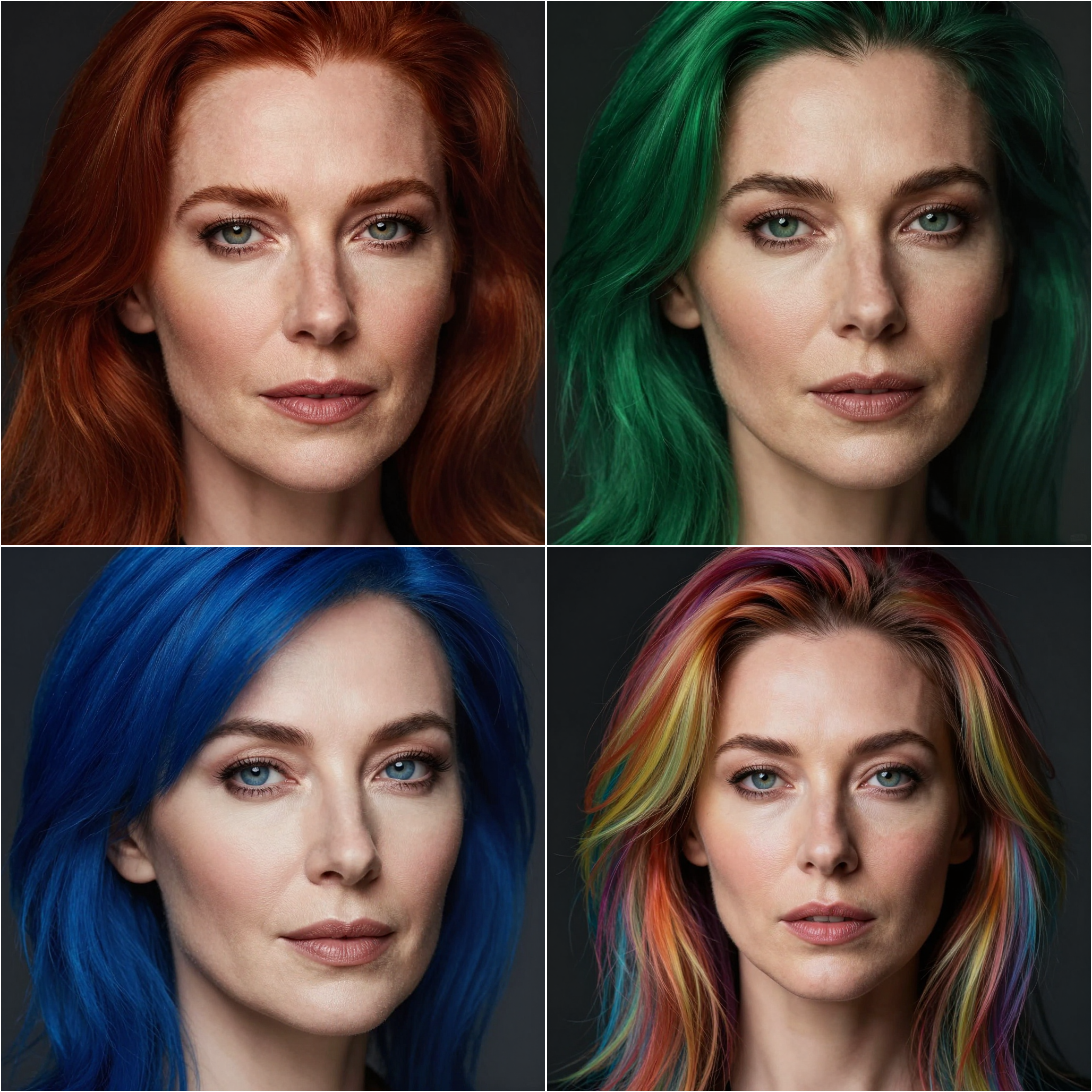
Deep color and style analysis allows you to recreate artistic moods with ease.
- Style extraction from existing images
- Multimodal content analysis
- Smart prompt expansion
// Global Accessibility
Global Accessibility
A professional creative tool shouldn't have language barriers. MLC Ollama Studio is localized for your workflow.
- Native English, German, and Spanish support
- French translation coming soon
- Full externalized i18n system

// Local Management
Local Management
Keep your creative process organized with powerful local tools.
- Folder-based image organization
- Searchable prompt history
- Local metadata storage
// Professional Tools
Professional Tools
Advanced features for demanding prompt engineers.
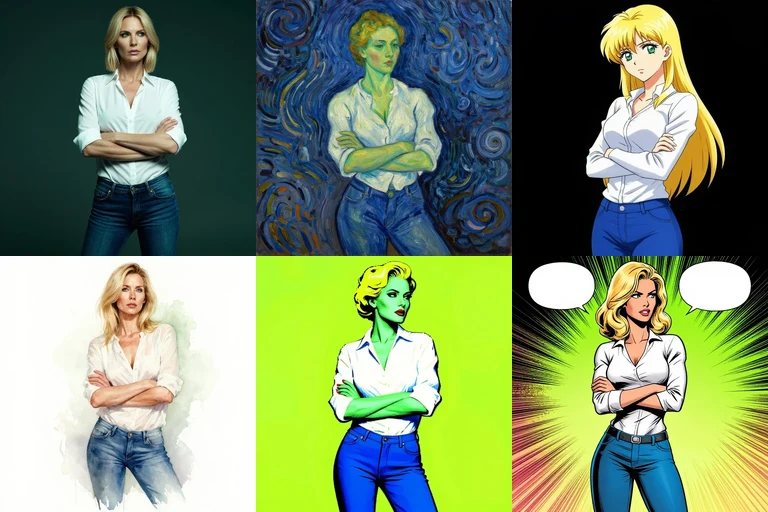
- Batch recipes: one prompt, a list of values, one click (animation: one seed, nine ages)
- High-quality upscaling services
- Expert translation models

If you need AI images for real work rather than experiments, you don't want to wire node graphs. MLC Ollama Studio is the desktop application for professionals who have to produce images in series, organise them and find them again: one batch recipe delivers a whole series with a single click, folders and tags keep hundreds of motifs searchable, and every image keeps its prompt for the next variation.
Made for: manuals and technical documentation · websites and product pages · advertising and social media · training and presentation material.
Setup: you need an image server (Mac: Z-Image, Windows: MLC SD); image analysis, style extraction, prompt improvement and translation are optional. Which models for what – see Setup & Models.
Cost-effective and private: MLC Ollama Studio works with your own local AI – Ollama or an OpenAI-compatible image server on your network. No subscription, no per-image fees, and your motifs never leave your network.
⚠️ Important notice about Ollama versions (as of September 2026) Starting with Ollama v0.32.6, Ollama has temporarily removed its experimental image generation. Newer versions reject image requests with the error
image generation models are not currently supported(HTTP 400) – even though image models such asx/z-image-turbostill show up in the model list. For image generation via Ollama, please run Ollama v0.32.5 on your server and disable automatic updates. Text, vision and translation models keep working with current Ollama versions. From version 0.16.3 on, MLC Ollama Studio can generate images through an OpenAI-compatible image server instead (e.g. txt2zimage) – Settings → Server & Models → Image API.
Key Features
Model Variety & Control
Leverage any Ollama-compatible server to access a wide range of image generation and analysis models. Whether you are using Stable Diffusion, Llava, or specialized Prompt Improvement models, you have full control over the seeds, inference steps, and resolutions.
Batch Recipes & Showcase
A prompt with variables such as $emotion$ and a list of values turns into a whole series of images with one click. From version 0.16.3 on, MLC Ollama Studio keeps these batch recipes including their values and ships five ready-made showcase recipes – emotions, body language, art styles, photography and eras. They are exactly the prompts behind our Showcase: pick a recipe, press Generate, done.
Visual Intelligence
Unlock professional workflows with advanced visual analysis:
- Style Extraction: Analyze an existing image to extract its artistic essence and apply it to new prompts.
- Image-to-Prompt: Use multimodal models to automatically generate descriptive prompts from any image.
- Expert Translation: Utilize specialized translation models (like
mlc-deenes-expert) to refine prompts across languages.
Global Accessibility & Native Localization
MLC Ollama Studio is built for a global community. We have moved to a fully externalized translation system (i18n) to ensure a seamless experience regardless of your primary language:
- Native Support: Full, high-quality translations for English, German, and Spanish are available out of the box.
- Future Ready: French support is currently in development and will be available in an upcoming release.
- Community Driven: Our localization system is designed for easy expansion, allowing for rapid integration of new languages.
Local Image Management
Keep your creations organized with the built-in Organizer. Group images into folders, tag them for easy retrieval, and manage your generation history with a clean, grid-based interface.
Performance & Security
By utilizing local Ollama servers, your data remains secure and your workflows remain private. The application is optimized for performance on macOS, Linux, and Windows, featuring a responsive Svelte-based frontend.