// MarkSafe v1.9.1
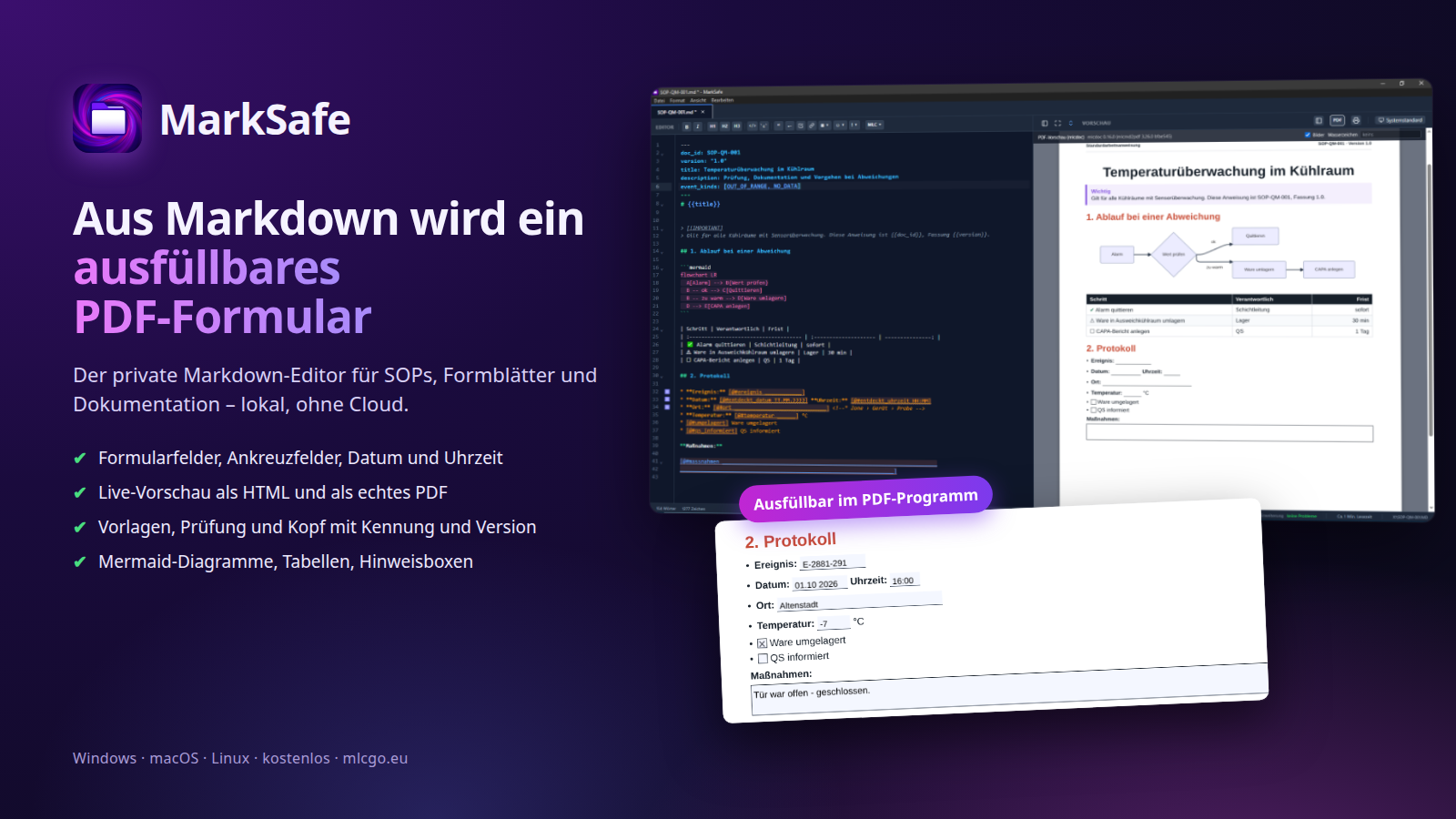
Turn Markdown into fillable PDF forms.
// Gallery
// Features
Why choose MarkSafe.
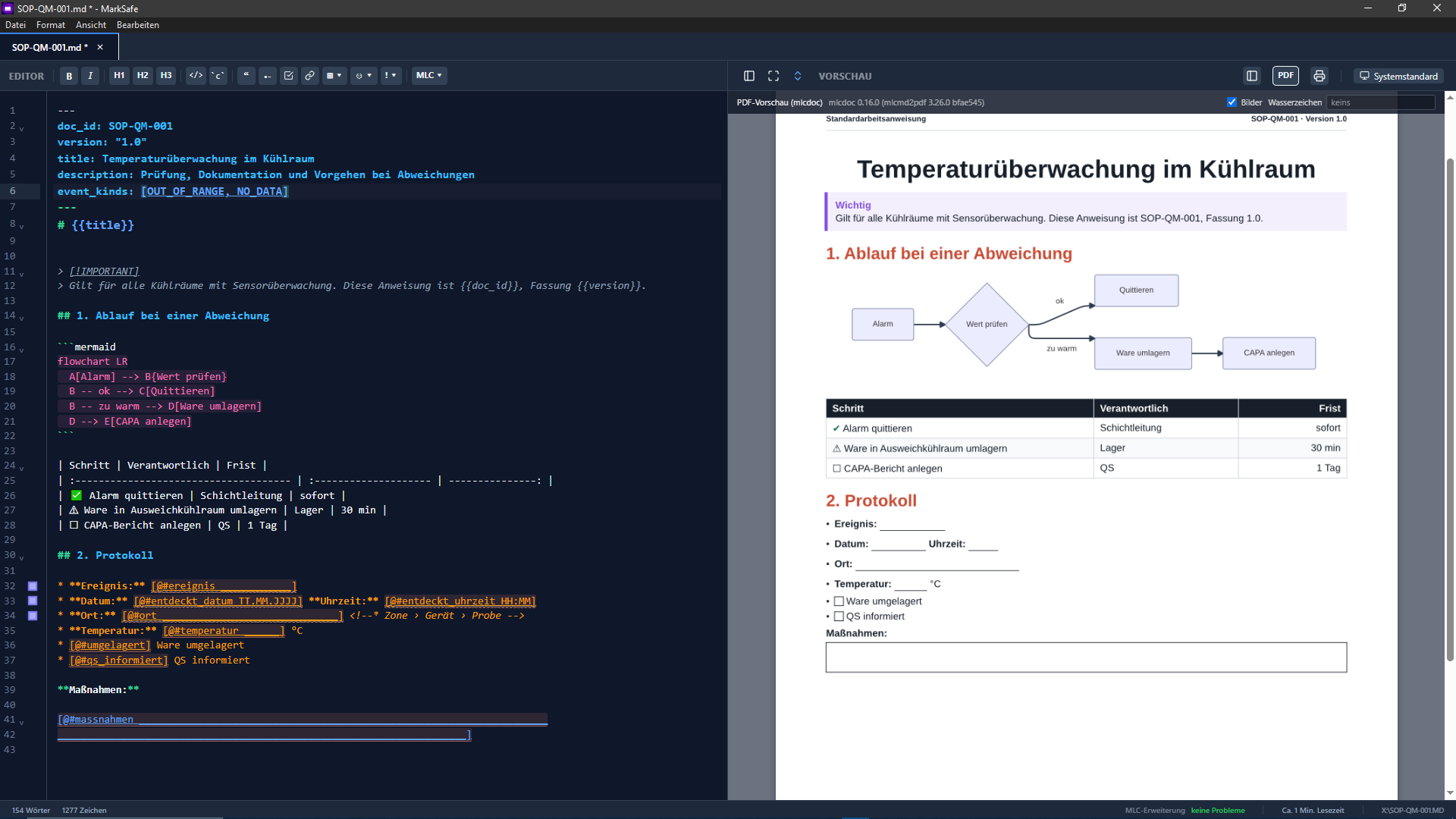
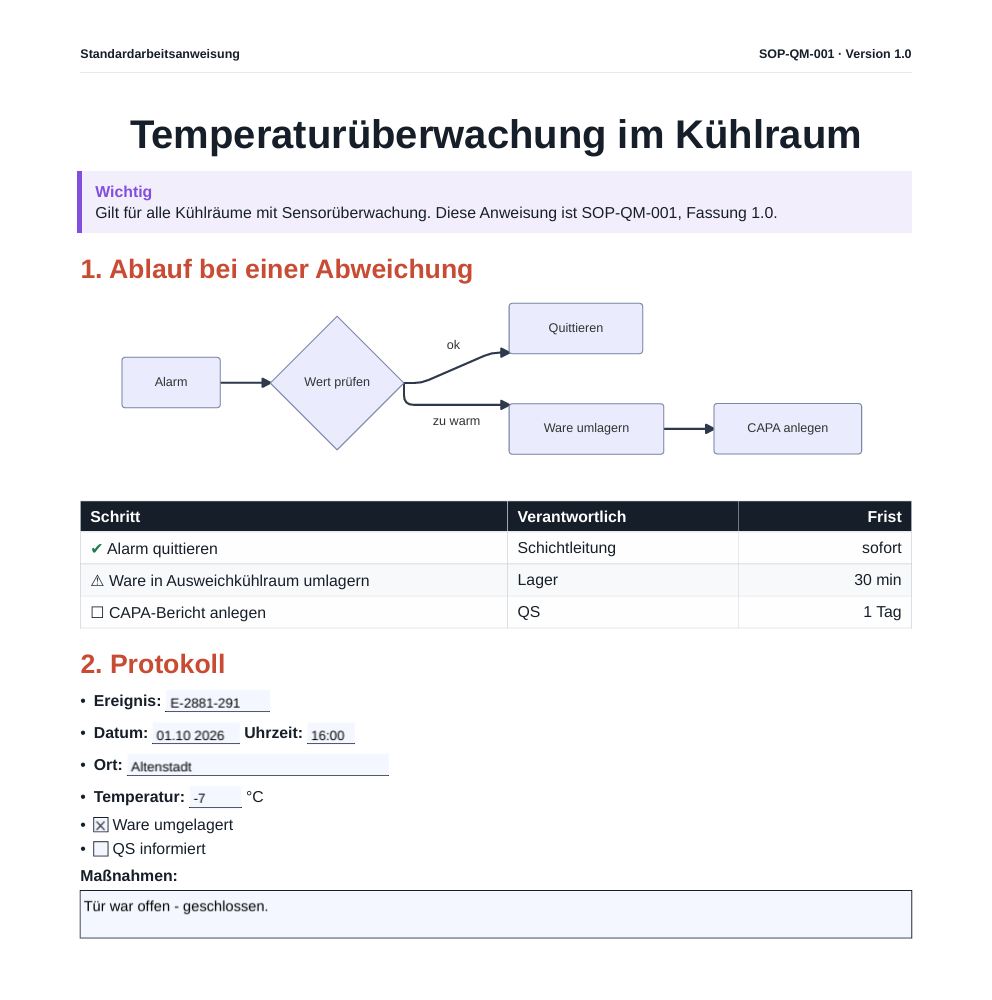
Text fields, check boxes, date and time fields become a real PDF form – filled in with any PDF viewer. A field dialog inserts and edits them, no syntax to remember.
Fill in a form right in MarkSafe: an input mask with date and time pickers, saved as a filled-in record with who and when. The form itself is never overwritten.
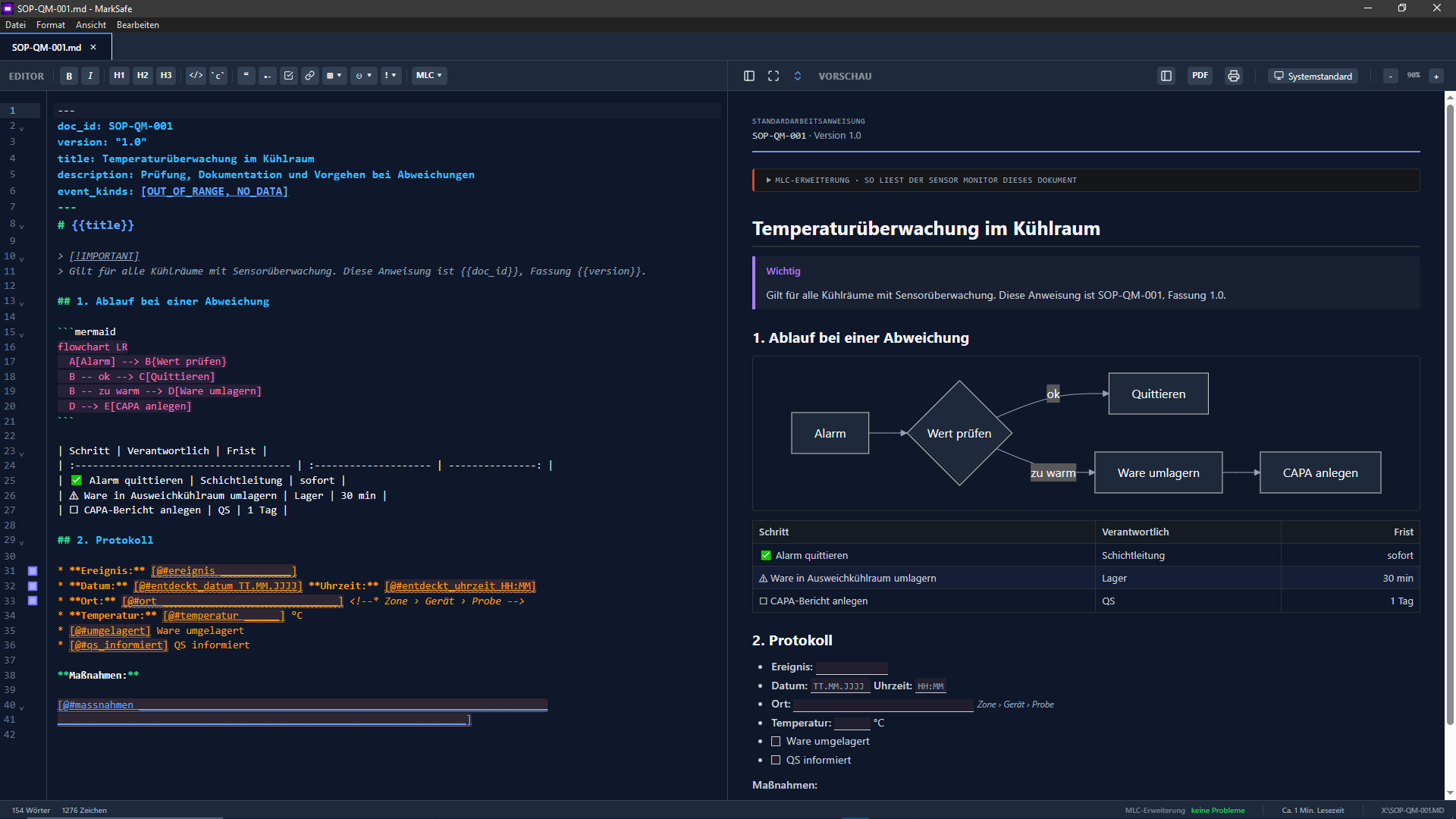
See the document as HTML or exactly as the PDF prints, with page header, ID and version, optional watermark. Print and export from the same PDF.
New SOPs, procedures, forms, README or CHANGELOG from templates – plain JSON and Markdown files you can change without an update.
Form fields, document ID and version are checked as you type, with quick fixes – including tables that would be too narrow in the PDF.
Keep your documents in one folder, like a vault: browse, search and see all SOPs and forms at a glance.
A simple editor with tabs, synchronized scrolling, alert boxes, a symbol palette and a toolbar for tables.
GitHub Flavored Markdown with tables, task lists and footnotes, Mermaid diagrams and KaTeX formulas.
Everything runs on your machine. Images and links from outside load only after you allow them; nothing goes to a cloud.
MarkSafe is a private Markdown editor for the desktop. You write plain Markdown; MarkSafe shows the result at once, as HTML or exactly as the PDF prints. Fields in the text become a real PDF form that can be filled in with any PDF viewer.
For SOPs, forms and documentation
- Fillable forms:
[@#location ______]becomes a text field,[@#checked]a check box,[@#date TT.MM.JJJJ]a date field. No form designer needed – and if you don't remember the syntax, the field dialog does it for you (Ctrl+Shift+F). - Fill in and keep a record: fill in forms right in MarkSafe, with date and time pickers. What gets saved is a record with who, when and which form version; the form itself stays unchanged.
- PDF as printed: a page header with kind, ID and version from the front matter, and an optional watermark such as DRAFT. Preview, export and printing come from the same PDF.
- Templates: new SOPs, procedures and forms – and also README, CHANGELOG or meeting minutes – start from templates. Templates are JSON and Markdown files in your template folder and can be changed without an update.
- Checks while you write: broken fields, a missing ID or version and table columns that would be too narrow are reported right away, often with a quick fix.
- Document folder: one folder for all documents, with an overview, search and a browse view.
And everything Markdown is known for
- GFM: tables, task lists, footnotes and alert boxes such as
> [!WARNING]. - Diagrams and formulas: Mermaid and KaTeX right in the text.
graph LR
    A[Markdown] --> B(MarkSafe)
    B --> C[HTML preview]
    B --> D[PDF form]
    D --> E[Fill in with any PDF viewer or in MarkSafe]
Privacy first
Your documents stay on your machine. Images and links from outside load only after you allow them. MarkSafe does not track your usage and uploads nothing to a cloud.