MarkSafe Examples
Each example shows what you write and, below it, what it becomes. The images are real pages from MarkSafe's PDF preview, made from exactly this Markdown.
A form: Markdown becomes a PDF form
Underscores become text fields, TT.MM.JJJJ and HH:MM date and time fields, [@#name] a check box. The header with kind, ID and version comes from the front matter. Tooltips (<!--* … -->) and the fill hint (<!--! … -->) show on screen, not in print. If you don't remember the syntax, insert fields with the field dialog (Ctrl+Shift+F).
---
doc_id: FB-LAG-001
version: "1.2"
title: Cold Room Check
---

# {{title}}

<!--! Fill in daily at the start of the shift. Report any deviation to quality assurance right away. -->

* **Date:** [@#date TT.MM.JJJJ] **Time:** [@#time HH:MM]
* **Cold room:** [@#room ____Cold room A____] <!--* Room as posted on the door -->
* **Temperature:** [@#temperature ______] °C <!--* Target 2 to 8 °C -->

## Checks

* [@#door] Door closes tightly
* [@#alarm] Temperature alarm tested
* [@#deviation] Deviation found

## Remarks

[@#remarks ______________________________________________________________________
______________________________________________________________________]

## Sign-off

[@#signature Signature: Person checking]
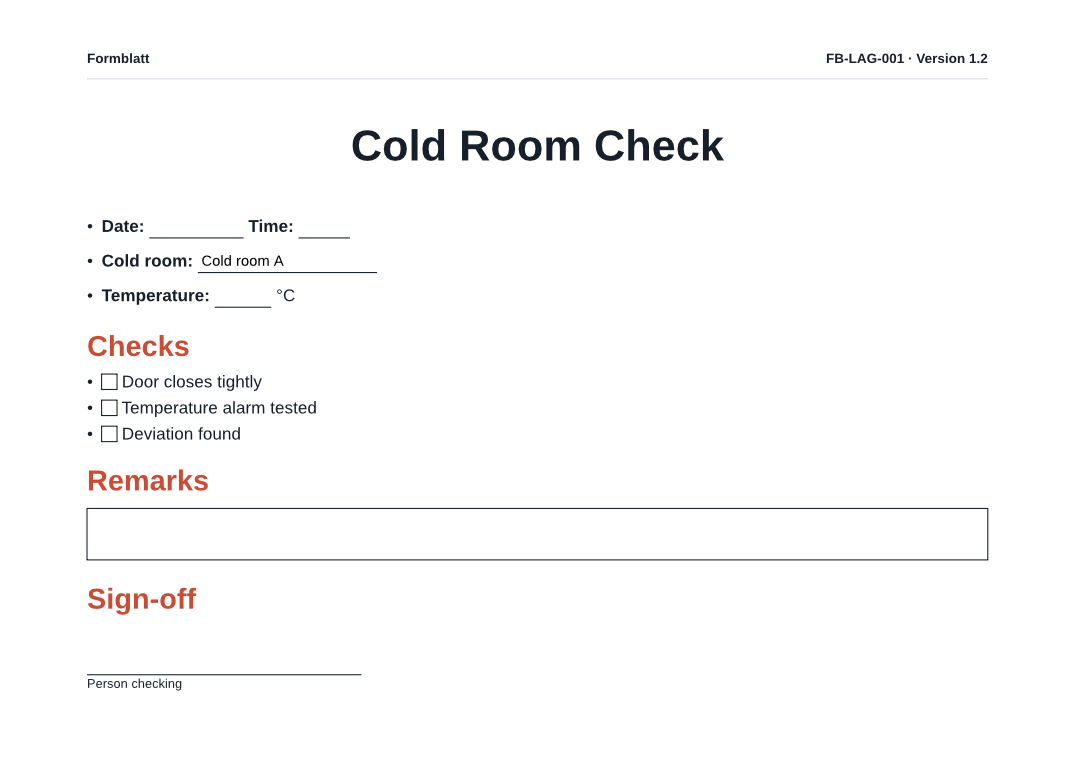
The PDF can be filled in on screen with any PDF viewer.
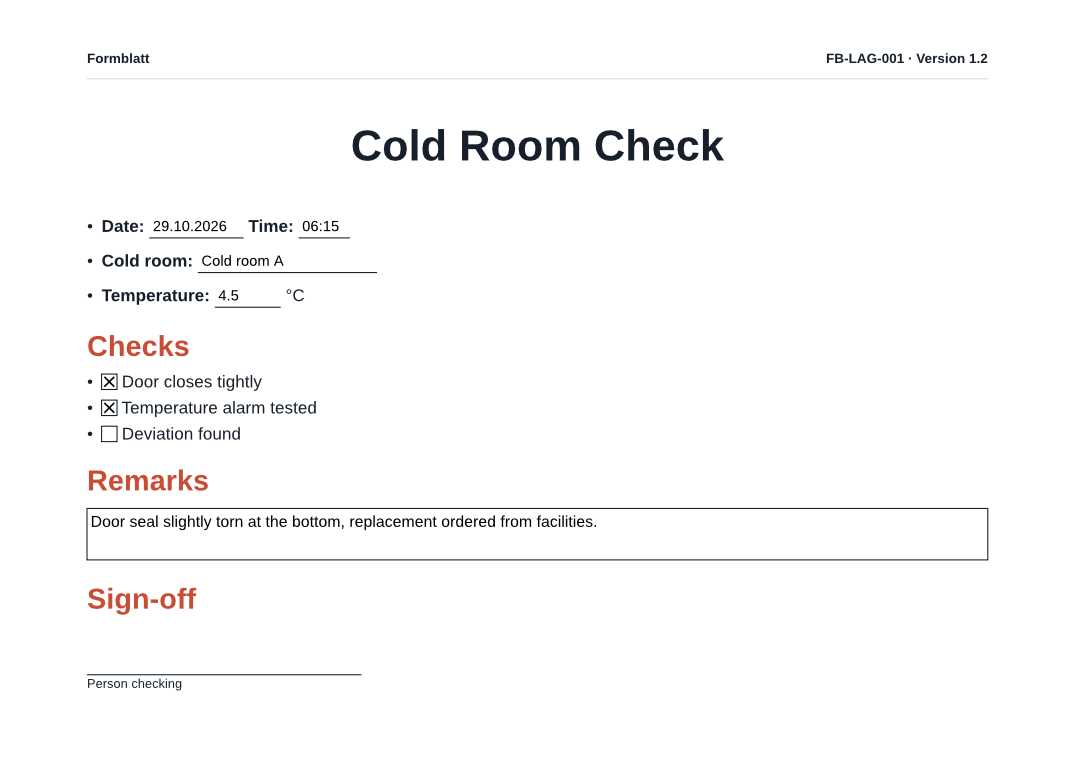
Filled in and kept as a record
Fill in opens an input mask with date and time pickers. What gets saved is a new document; the form itself stays unchanged. Who, when and which version of the form are kept in a meta: block in the front matter, with a checksum of the form:
meta:
  schema: mlc-form-record/v1
  form:
    doc_id: FB-LAG-001
    version: "1.2"
    sha256: 9ced3091…
  filled_by: M. Sample
  completed_at: "2026-10-29T06:20:00+01:00"
A procedure with alert boxes, a table and a watermark
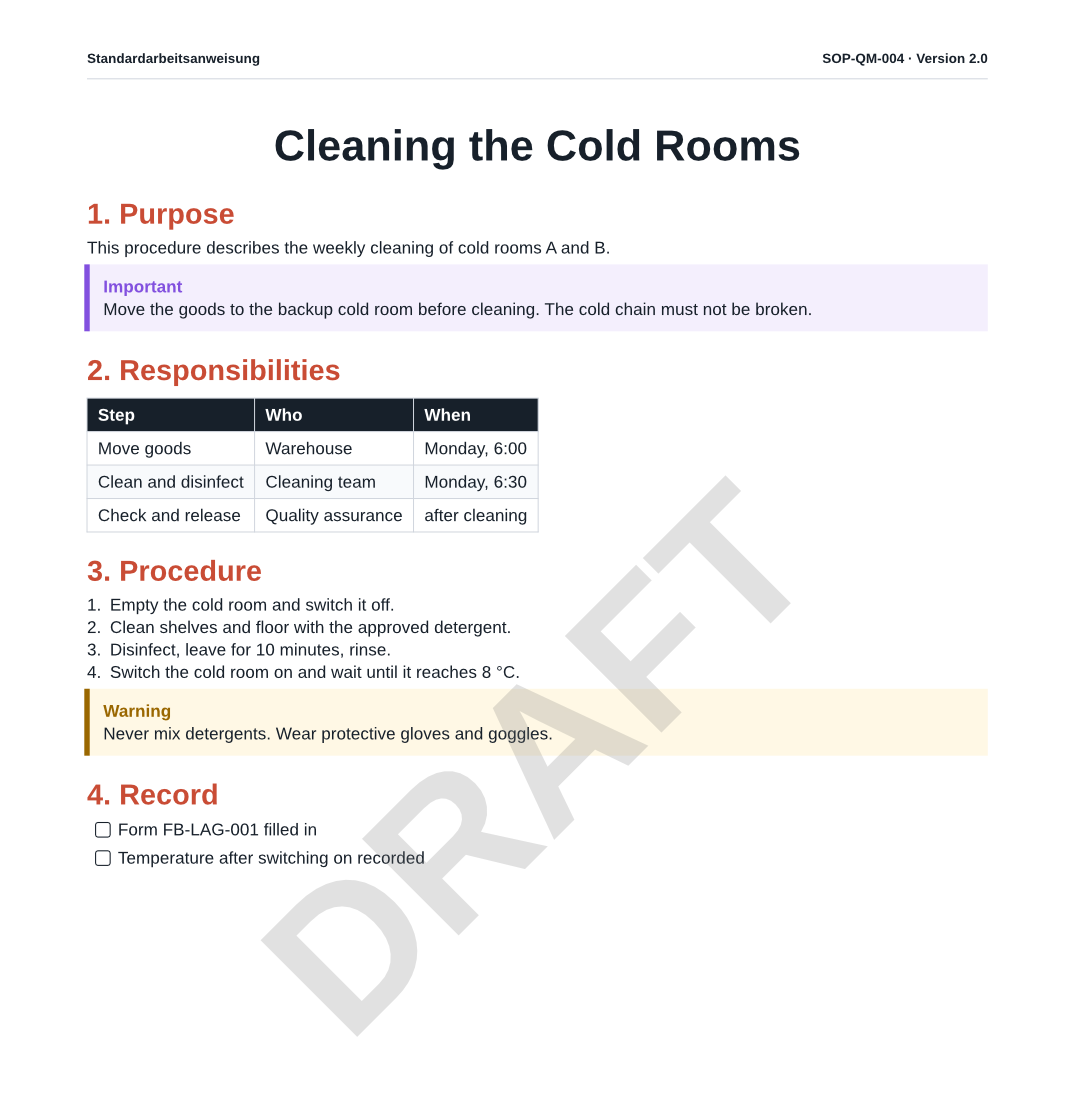
Plain Markdown plus GitHub-style alert boxes. ID and version are written once in the front matter and appear in the page header. The DRAFT watermark is a print setting, not part of the document.
---
doc_id: SOP-QM-004
version: "2.0"
title: Cleaning the Cold Rooms
---

# {{title}}

## 1. Purpose

This procedure describes the weekly cleaning of cold rooms A and B.

> [!IMPORTANT]
> Move the goods to the backup cold room before cleaning. The cold chain must not be broken.

## 2. Responsibilities

| Step | Who | When |
| :-- | :-- | :-- |
| Move goods | Warehouse | Monday, 6:00 |
| Clean and disinfect | Cleaning team | Monday, 6:30 |
| Check and release | Quality assurance | after cleaning |

## 3. Procedure

1. Empty the cold room and switch it off.
2. Clean shelves and floor with the approved detergent.
3. Disinfect, leave for 10 minutes, rinse.
4. Switch the cold room on and wait until it reaches 8 °C.

> [!WARNING]
> Never mix detergents. Wear protective gloves and goggles.

## 4. Record

- [ ] Form FB-LAG-001 filled in
- [ ] Temperature after switching on recorded
Processes as diagrams
Mermaid diagrams are plain text in the document and drawn in the preview:
```mermaid
flowchart LR
    A[Check cold room] --> B{Temperature 2–8 °C?}
    B -- yes --> C[Complete the form]
    B -- no --> D[Inform QA]
    D --> E[Block the goods]
```
flowchart LR
    A[Check cold room] --> B{Temperature 2–8 °C?}
    B -- yes --> C[Complete the form]
    B -- no --> D[Inform QA]
    D --> E[Block the goods]