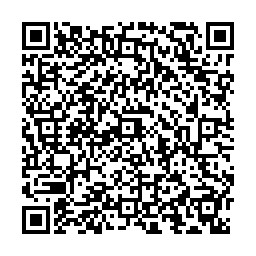
Showcase
Explore the full variety of barcode symbologies, styling options, and the new Desktop GUI application in MLC Barcode.
Desktop GUI Highlights
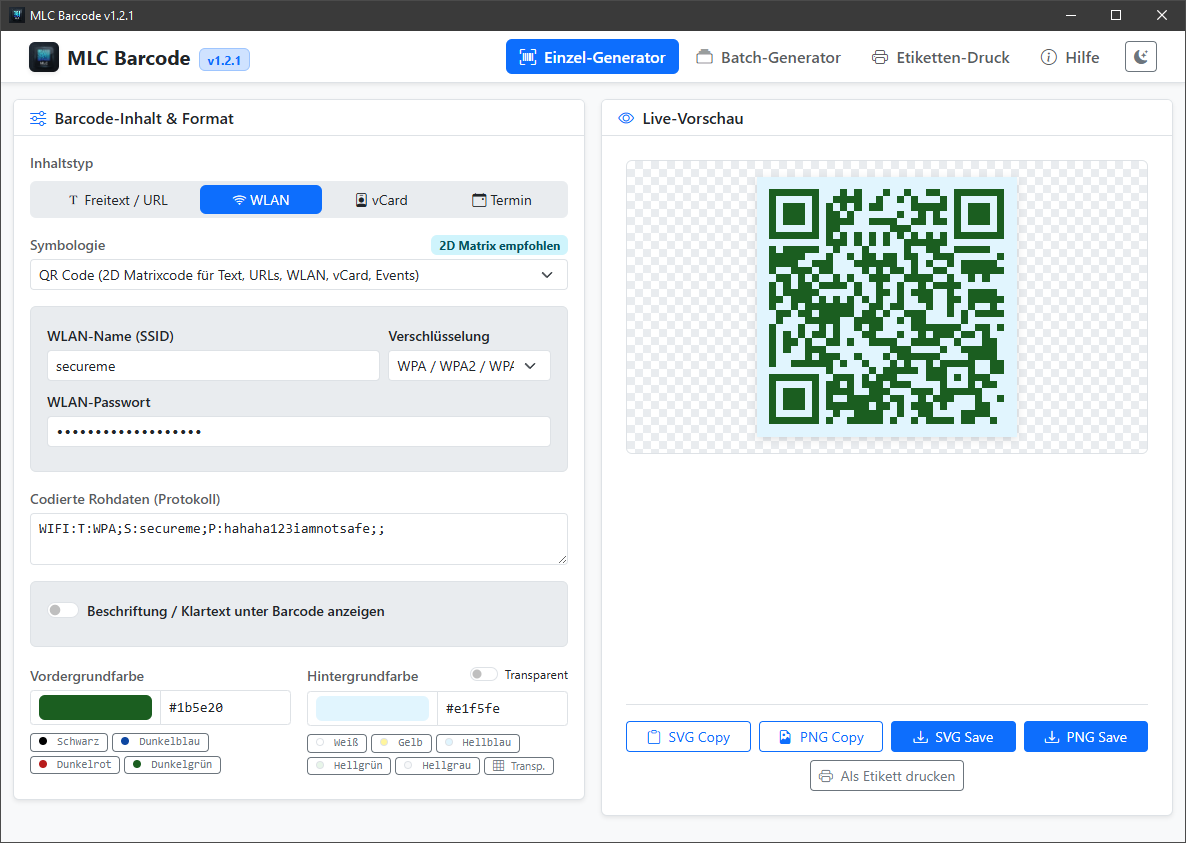
1. Single Generator & Live Preview
Design barcodes and QR codes in real-time with customizable colors, transparent backgrounds, and human-readable captions.
- 2D & 1D Symbologies: Automatic crisp scaling in vector SVG and raster PNG formats.
- 1-Click Color Palettes: Rapid color selection for print and digital publishing.
- Export & Clipboard: Save to disk or copy SVG/PNG directly into your clipboard.
2. Batch Processing (Bulk Generator)
- File Import: Load
.txtor.csvfiles containing line-separated records. - Bulk Folder Export: Automatically save all barcodes into a directory with customizable naming schemes (e.g. index numbering or data slugs).
- Interactive Grid: Inspect all generated barcodes at a glance in a clean preview table.
3. DIN A4 Label Sheet Printer
- Avery Zweckform Presets: Pre-configured grids for 2x4 (8 labels), 3x7 (21 labels), 3x8 (24 labels), and 4x10 (40 labels).
- Repetition & Multi-Copy: Print single codes repeatedly across a full page or print entire batch datasets.
- Direct Print Dialog: Send sticker sheets straight to your local label or standard desktop printer.
CLI Examples
Website Access
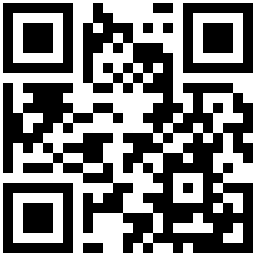
Clean QR code for website landing pages:
barcode -type qr -data "https://mlcgo.eu" -out mlcgo_qr.png
Retail & Products (EAN-13)
Industry-standard European Article Number for commercial goods, complete with clear text below the bars:
barcode -type ean13 -data "4006381333931" -text -out retail.png
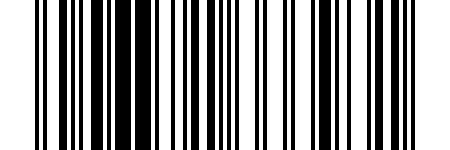
Logistics & Shipping (Code 128)
High-density barcode for parcel tracking and serial numbers:
barcode -type code128 -data "LOGISTICS-12345678" -text -out log.png

Specialized Templates
MLC Barcode simplifies structured data payloads for common everyday tasks:
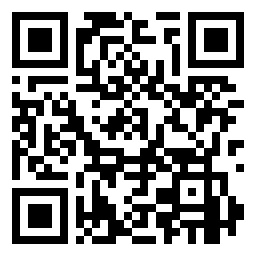
Wi-Fi Connectivity
Generate a QR code allowing mobile devices to join a wireless network instantly:
barcode -wifi-ssid "MyNetwork" -wifi-pass "secret123" -out wifi.png
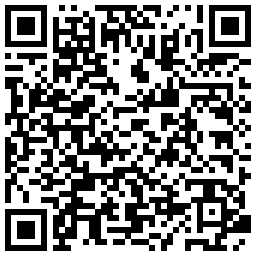
Contact Cards (vCard 3.0)
Share business contact details in a standardized format:
barcode -vcard-first "Michael" -vcard-last "Lechner" -vcard-email "mlcgo.eu@michael-lchner.de"
Calendar Events
Invite guests to events with iCalendar compatibility: