// MLC SD v0.3.14 BETA
Pictures, made on your own machine

// Gallery
// Features
Why choose MLC SD.
Z-Image Turbo writes legible words onto signs, labels and packaging — the thing most image models still get wrong.
The recommended model is distilled for speed, and a step cache skips redundant work. About 23 seconds per 1024×1024 image on an RTX 3060.
No account, no upload, no telemetry. Prompts and pictures stay where they are made.
Pick one from the catalogue and it downloads itself, with a progress bar and a note on which files it needs.
A local endpoint at /v1/images/generations. Point any OpenAI client at it and it works.
Each picture lands in the output folder next to a Markdown file with prompt, model, size, seed and compute time. The same seed gives the same picture again.
Like Ollama: after 5 minutes without requests the model is unloaded, the next request loads it again in seconds. Ollama and MLC SD share one machine without fighting over memory.
NVIDIA, AMD or Intel graphics are detected at start and the matching engine and profile are chosen. You do not have to know what a VAE is.
MLC SD is a front end for stable-diffusion.cpp. It takes care of everything between "I would like a picture" and the picture: finding the right model, fetching its three or four files from Hugging Face, starting the engine with the settings that model wants. Type a prompt, press the button.
No account, no upload, no telemetry. What is made on the machine stays there.
Why Z-Image Turbo
The recommended model does something most image models still get wrong: it writes legible text into the picture. Signs, labels, packaging, book spines — the letters form words rather than decoration.
It is also distilled for speed: eight sampling steps instead of the usual twenty to fifty. Since 0.3.9 a step cache (EasyCache) skips work that would barely change the result. On an RTX 3060 with 12 GB a 1024×1024 image takes about 23 seconds; the visible difference to an uncached image is nil.
What the program does for you
- Fetches models. Pick one from the catalogue — the program downloads the weights, the text encoder and the autoencoder, shows progress, and tells you which files are still missing. Files shared between models are fetched once.
- Starts the engine properly. Step count, sampler and image size come from the model; how memory is divided comes from the hardware profile. Both are assembled at startup.
- Clears away what confuses. Of eleven catalogue entries, one is recommended. The rest sit behind "show more", each with a note on why it is not — "untested" is better information than an entry that is silently absent.
For applications: OpenAI-compatible
A local server runs behind the window, speaking the interface OpenAI clients expect:
POST http://localhost:18081/v1/images/generations
{"prompt": "a lighthouse in a storm", "size": "1024x1024"}
Anything that can talk to DALL·E can talk to your graphics card instead — no rewrite, no key, no invoice.
As image server for MLC Ollama Studio
MLC Ollama Studio uses exactly this interface. MLC SD's Server tab shows the address to enter, with a copy button (only real network cards, no Docker or WSL adapters). Under Settings → Server & model configuration → Image API enter that http://<machine>:18081/v1, check the connection, enable it and pick openai/z-image-turbo. The Windows PC with the graphics card then renders the batches for the whole network. On the first server start Windows asks once whether the server may be reachable – tick Private networks. Windows must also classify the network as Private; with Public other machines cannot reach it.
The server frees its memory when idle – after 5 minutes without requests the model is unloaded (adjustable, or per request via keep_alive, just like Ollama); the next request loads it again in a few seconds. On a Mac or Linux machine it can also run as a service without the Control Panel (install-service.sh in the app bundle, systemd template) – see doc/service.md.
An optional access key (Server tab → Generate) restricts the server to clients that send it as their API key – MLC Ollama Studio has a field for it; the machine itself needs none. Closing the Control Panel stops the server, so it asks first and names machines that recently requested images.
Every request – including those from other machines, and rejected ones – is recorded in requests.log with time, sender, size, seed, duration and prompt.
What you need
- Windows 10 or 11, 64-bit
- Graphics: ideally an NVIDIA card (RTX 3060 with 12 GB: ~23 s per image; 8 GB should be enough). New in 0.3.10: AMD and Intel graphics via Vulkan – tested on a Radeon 780M (Ryzen 9 8945HS, 32 GB RAM): ~2.5 minutes per image. That needs a current graphics driver: with AMD Adrenalin 24.7.1 (2024) the graphics get only 256 MB and generation fails; with the current driver 10 GB, no BIOS change needed.
- About 8 GB of disk: 446 MB for the program, roughly 6.7 GB for the model weights. On first start the start page offers them with one click – size, estimated time and a disk-space check up front, then progress, speed and time left. About 20 minutes on a typical line.
On a Mac: Apple Silicon (M1 or newer), macOS 12 or later. The graphics are part of the chip and share its memory. Tested on an M2 Ultra: about 52 seconds per 1024×1024 image. Macs with 16 GB get a more frugal profile automatically (untested). The DMG is signed and notarised – it opens without warnings.
Emergency without suitable graphics: the program still starts and computes on the processor (profile cpu-only) — then an image takes minutes up to a quarter of an hour. Fine for trying it out.
What is still missing
This is a beta, and the label is meant honestly:
- A running computation cannot truly be stopped. "Cancel" ends the waiting; the engine finishes the picture.
- The installer is not code-signed. Windows warns on first run.
- Tested on two Windows machines: RTX 3060 12 GB (update, uninstall, fresh install) and Radeon 780M (fresh install, update).
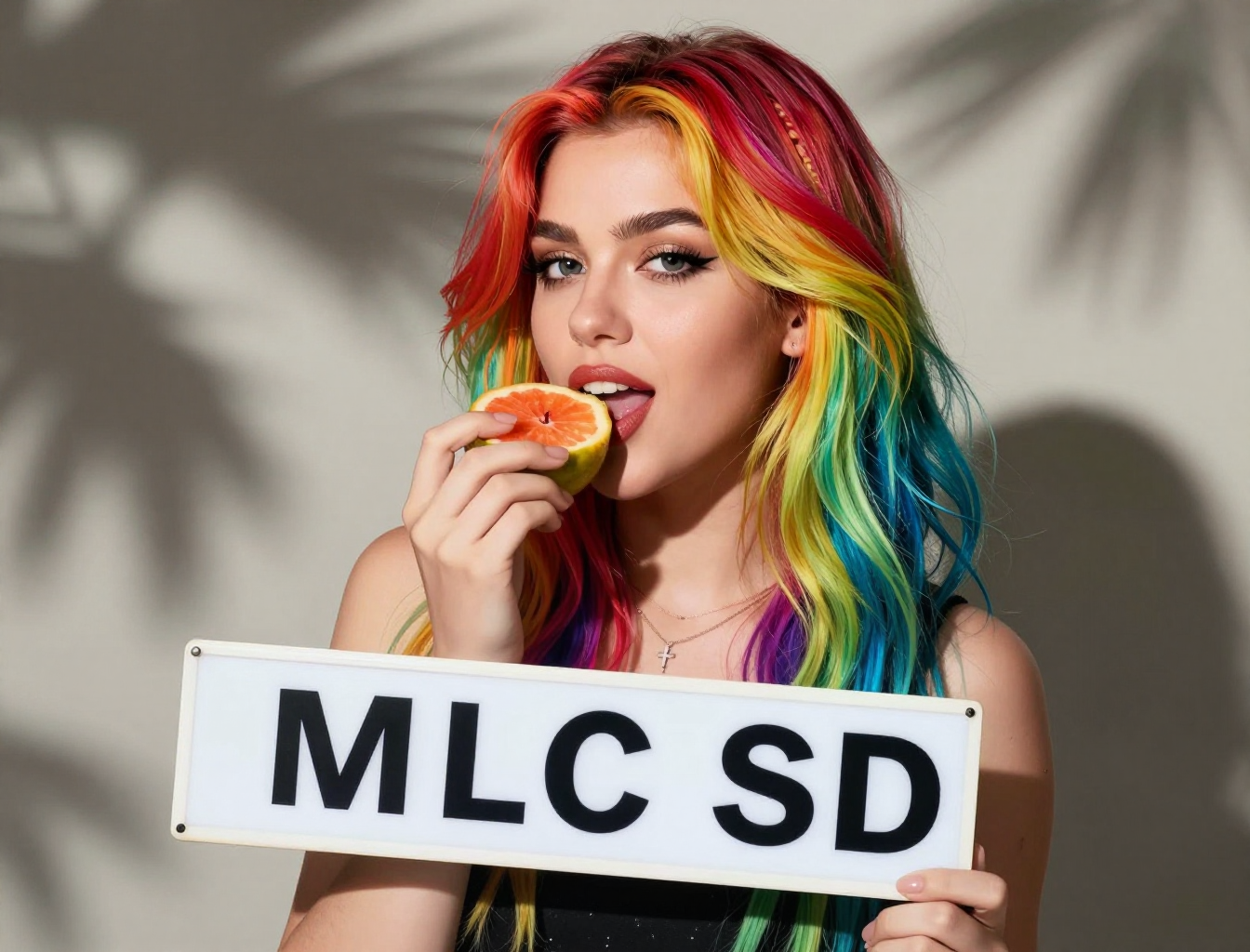
The hero image on this page was made with MLC SD — Z-Image Turbo Q4_K, eight steps, 41 seconds on a Mac Studio.