// Z-Image v0.10.0 BETA
Generate images from text — entirely on your Mac
// Gallery
// Features
Why choose Z-Image.
Z-Image-Turbo model with 10.3B parameters — generates high-quality images from text prompts in 9 denoising steps.
Built on Apple's MLX framework — runs entirely on your Mac's GPU. No CUDA, no Python, no cloud API keys.
Intelligent step caching skips ~4 of 9 denoising steps with minimal quality loss — roughly 2x faster generation.
Modify existing images with new prompts, or paint a mask to selectively regenerate parts of an image.
ESRGAN-powered upscaling enlarges generated images by 4x while preserving detail and sharpness.
Desktop app with live preview, CLI for batch generation, and resident gRPC server to keep the model hot in GPU memory.
Z-Image is a fast, standalone text-to-image application for Apple Silicon Macs. Type a prompt, pick a resolution, and get a photo-realistic image in seconds. Everything runs locally on your Mac's GPU — no cloud, no Python, no API keys.
How it works
Under the hood, Z-Image uses the Z-Image-Turbo model — a distilled FLUX-family transformer with 10.3 billion parameters, quantized to FP8 for memory efficiency. Apple's MLX framework handles all GPU computation natively.
A typical 1024x1024 image takes about 10 seconds on an M2 Ultra. With TeaCache enabled (the default), it's roughly half that — the engine intelligently skips redundant denoising steps.
Desktop app with everything built in
The Z-Image app gives you a full creative workspace:
- Generate — text-to-image with preset aspect ratios, step control, and seed for reproducibility
- Edit — modify existing images with new prompts (img2img)
- Inpaint — paint a mask directly on the canvas, then regenerate just that region
- Upscale — ESRGAN 4x enlargement with detail preservation
- Settings — model selection, server connection, memory management
CLI for scripting and automation
# Generate a single image
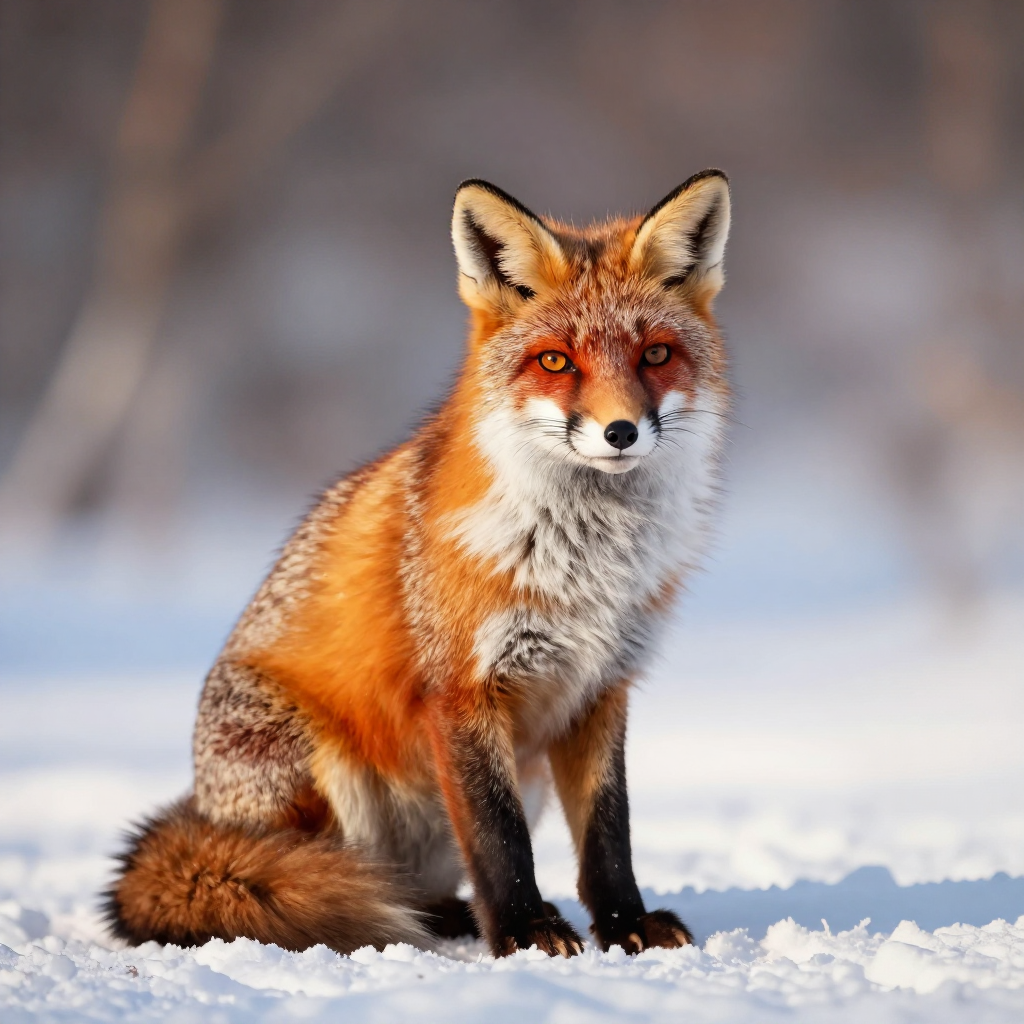
txt2zimage -p "a red fox sitting in snow" -o fox.png

# Custom resolution and steps
txt2zimage -p "mountain landscape at sunset" -w 1536 -h 1024 -s 12 -o landscape.png

# Reproducible output with seed
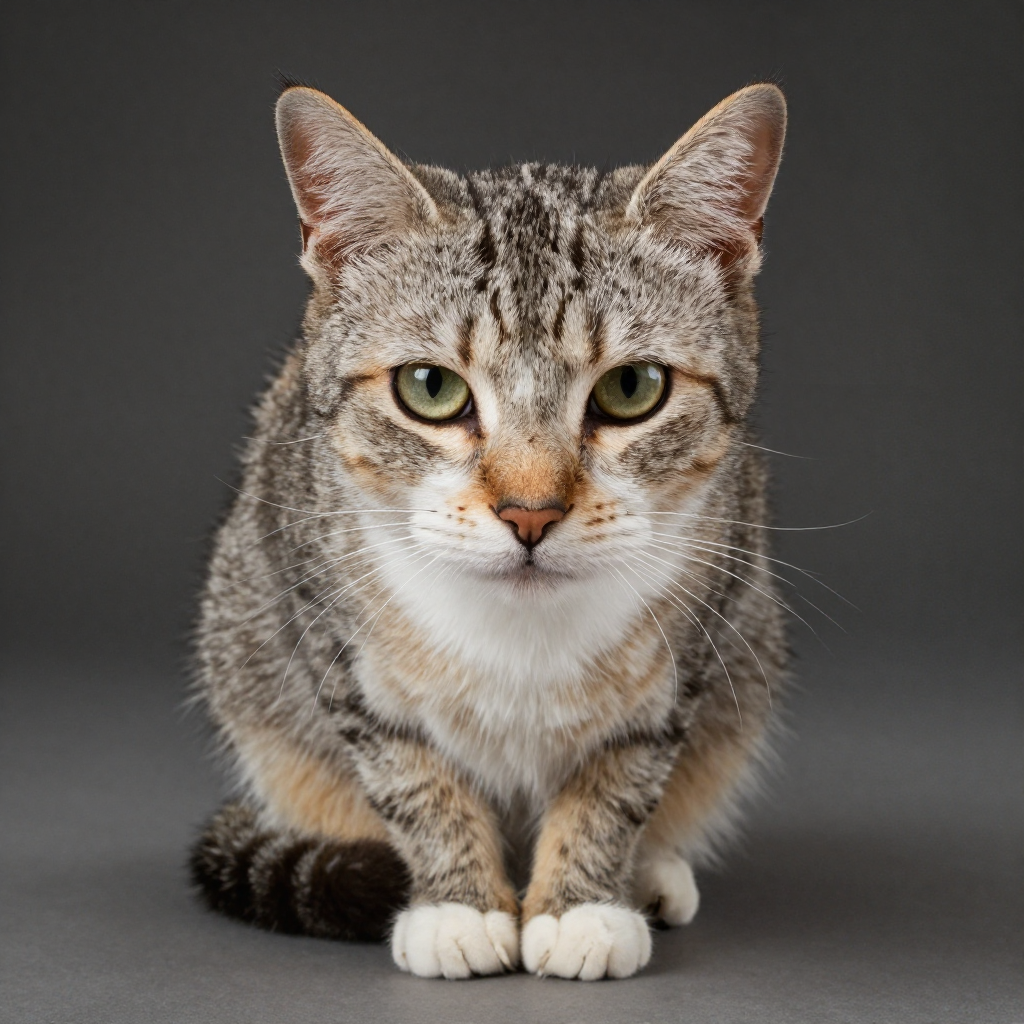
txt2zimage -p "portrait of a cat" --seed 42 -o cat.png
Resident server for instant generation
Keep the model loaded in GPU memory to skip the startup overhead. The gRPC server stays running in the background — the CLI and the desktop app connect to it automatically.
# Start the server (model stays loaded)
txt2zimage serve

# Subsequent calls are near-instant — no model loading
txt2zimage -p "your prompt" -o result.png
Requirements
| Minimum | Recommended | |
|---|---|---|
| Mac | Apple Silicon (M1+) | M2 Pro / M2 Ultra or later |
| RAM | 16 GB unified memory | 24 GB+ for high resolutions |
| Disk | ~12 GB for model weights | SSD recommended |
| macOS | Sonoma 14+ | Latest stable |
Privacy first
All computation happens on your hardware. No images are uploaded, no prompts are sent anywhere. Generation parameters are embedded in the PNG metadata so you can always reproduce a result.