Autocrop — transparenten oder einfarbigen Rand wegschneiden
Findet das kleinste Rechteck, das den eigentlichen Bildinhalt noch enthält, und schneidet darauf zu. Zwei Modi: ALPHA_MODE=true entfernt transparente Ränder (passt direkt hinter einen Hintergrundentfernungs-Schritt), false entfernt einen einfarbigen Rand (weißer Rahmen um einen Scan, Marken-Hintergrund um ein Logo). PADDING lässt N Pixel Luft stehen. Beispiel: ein 1100×1100 Portrait mit 150 px weißem Rahmen — Autocrop entfernt den Rahmen in einem Durchgang.
INPUT
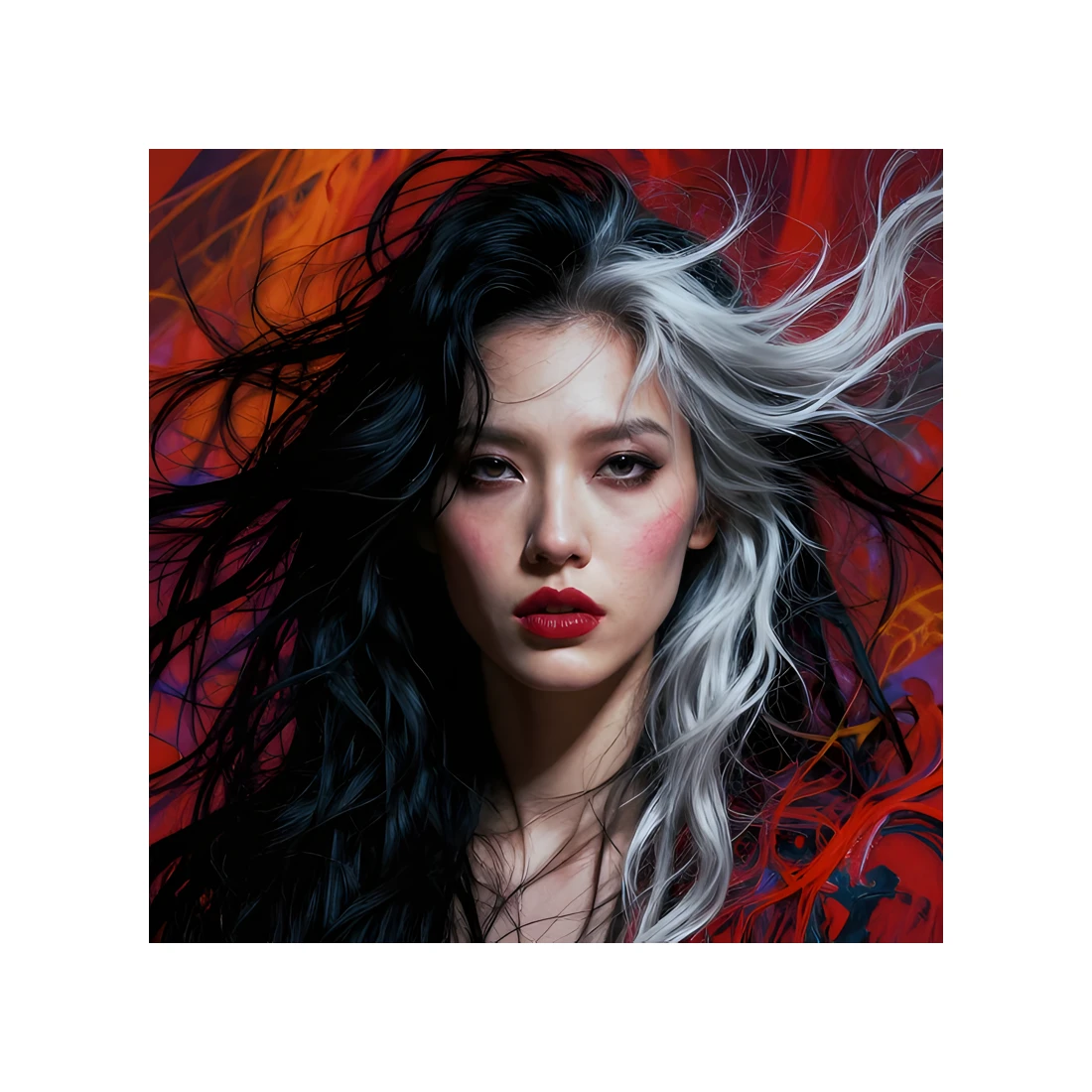
Frame removed

JavaScript
// Trim a uniform-colour or transparent border (img.autocrop)
// demo_autocrop.js
//!INPUT: INPUT
//!OUTPUT: OUTPUT
//!PARAM: COLOR:string=#ffffff
//!PARAM: TOLERANCE:number=0.05,min=0,max=1
//!PARAM: PADDING:integer=0,min=0,max=200
//!PARAM: ALPHA_MODE:boolean=false

// Finds the smallest rectangle containing every non-background
// pixel and crops to it. Two modes:
//
//   ALPHA_MODE = true  → trim transparent margins (α below TOLERANCE).
//                        Use this for cut-outs from rmbg / Engine.detectFaces
//                        or any image with an alpha channel.
//
//   ALPHA_MODE = false → trim the supplied COLOR. Per-channel tolerance
//                        in [0, 1] handles JPEG noise / scanner streaks.
//                        Pure-α=0 pixels also count as background, so
//                        mixed transparent + flat-colour frames work
//                        without a second pass.
//
// PADDING keeps N pixels of margin around the detected box (clamped
// to image bounds). Useful when downstream layout expects breathing
// room.
//
// Pipeline-friendly: chain after rmbg / facedetect / writeSVG to keep
// only the actual content.

const img = Engine.loadImage(INPUT);
console.log(`before: ${img.width}×${img.height}`);

if (ALPHA_MODE) {
    img.autocrop({ tolerance: TOLERANCE, padding: PADDING });
} else {
    img.autocrop({ color: COLOR, tolerance: TOLERANCE, padding: PADDING });
}

console.log(`after:  ${img.width}×${img.height}`);
img.save(OUTPUT);
img.free();

// © 2026 Michael Lechner · mlc OpticScript · https://mlcgo.eu · Elastic License 2.0