
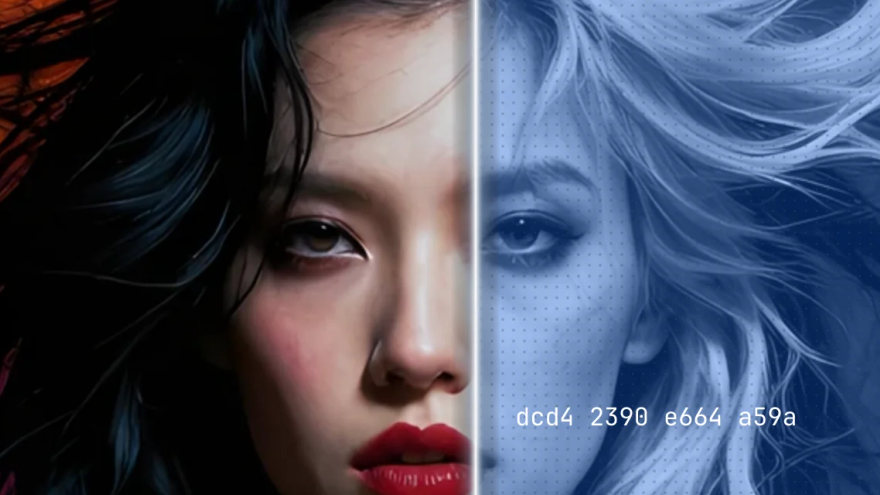
Photos carry an invisible identifier, and the registry says who put it there. Looking one up needs no account and uploads no image — your app reads the identifier on your device, the registry only ever sees the identifier.
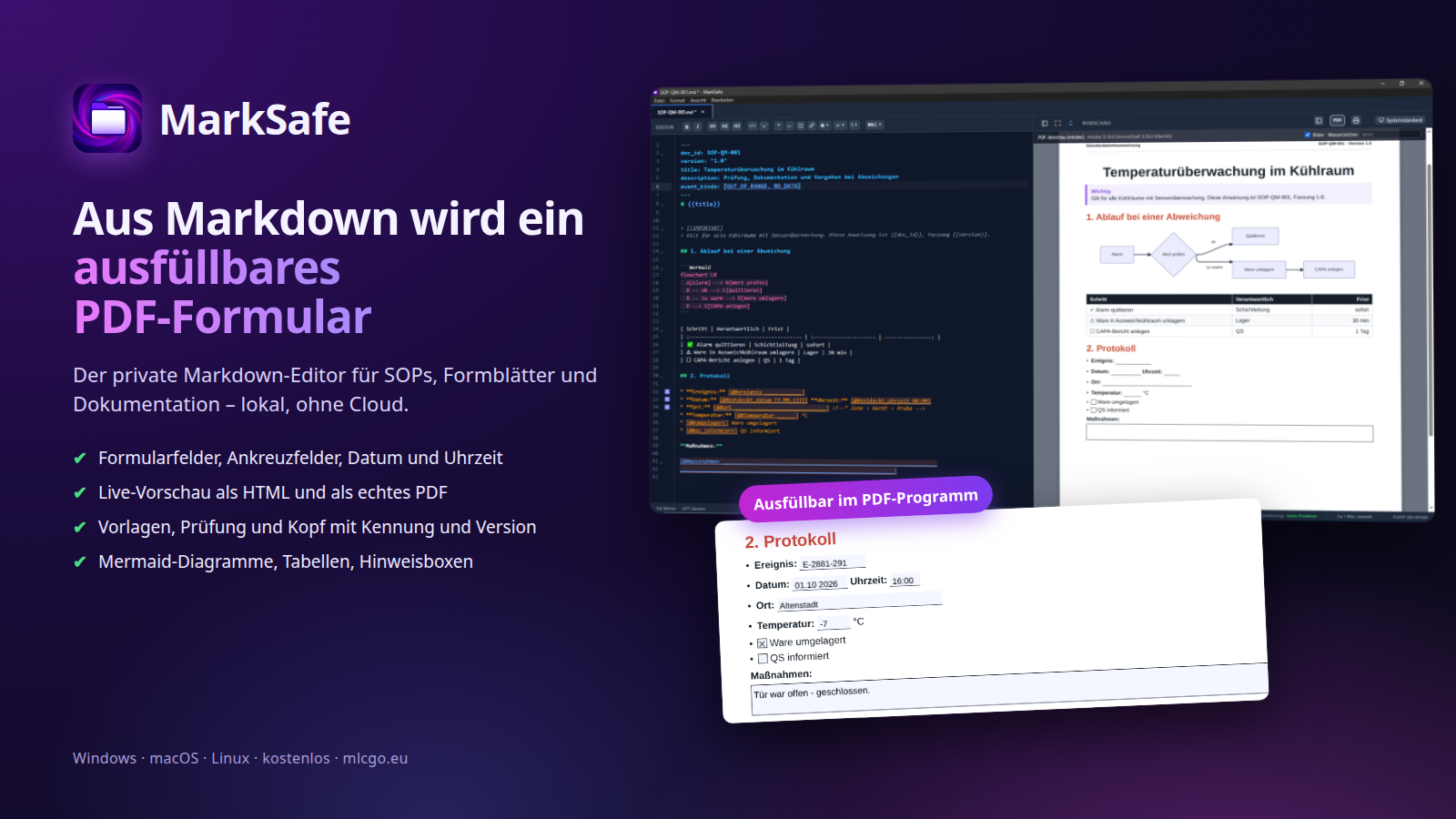
The private Markdown editor that turns your documents into fillable PDF forms. SOPs, forms, templates and PDF export – local, no cloud.
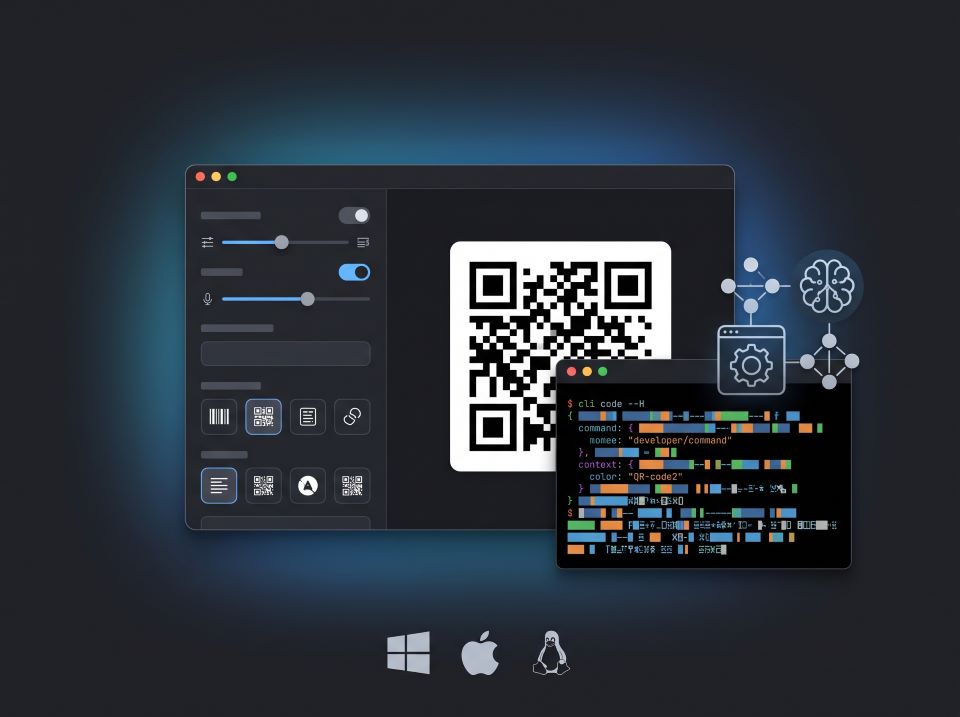
Barcodes and QR codes for AI assistants: an MCP server that creates and reads standards-compliant codes — plus apps for iPhone, iPad and Android, a desktop app and a CLI.
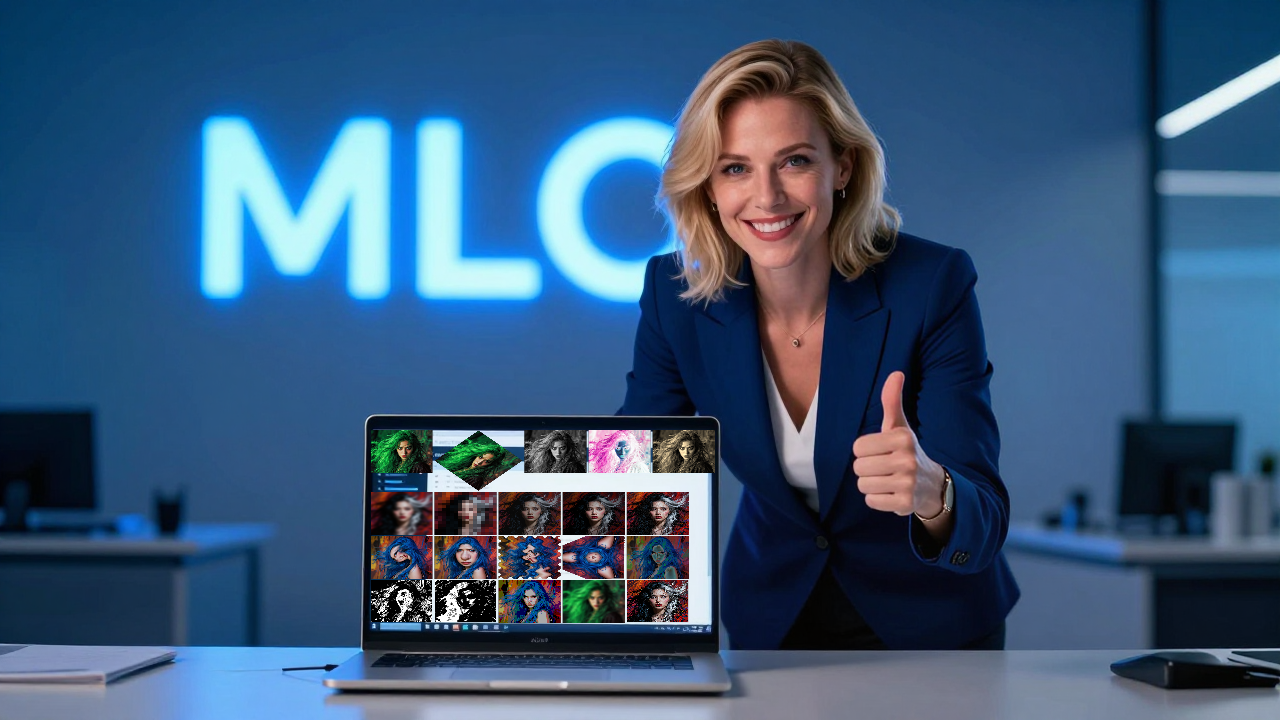
Script-driven image processing — 35+ native-speed operations, a simple chainable script API, vector canvas, mesh-warping for creative distortions, and a visual desktop playground for live tweaking.
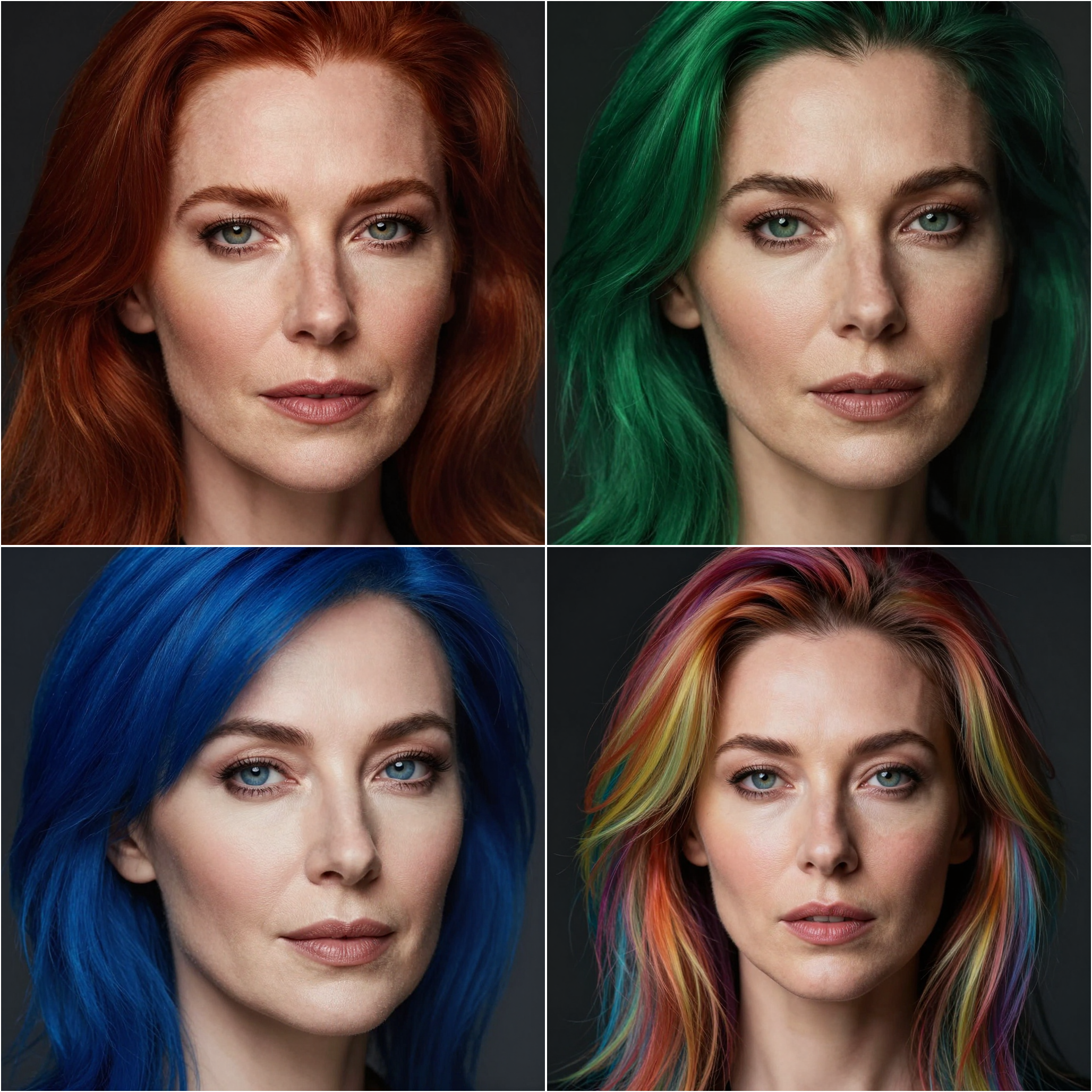
AI image production instead of node tinkering: batch recipes, cataloguing and tagging for manuals, websites, documentation and advertising – on your own local AI, with no subscription and no per-image fees.

Generate images on your own machine. Type a prompt, press the button — no account, no cloud, nothing leaves your computer.
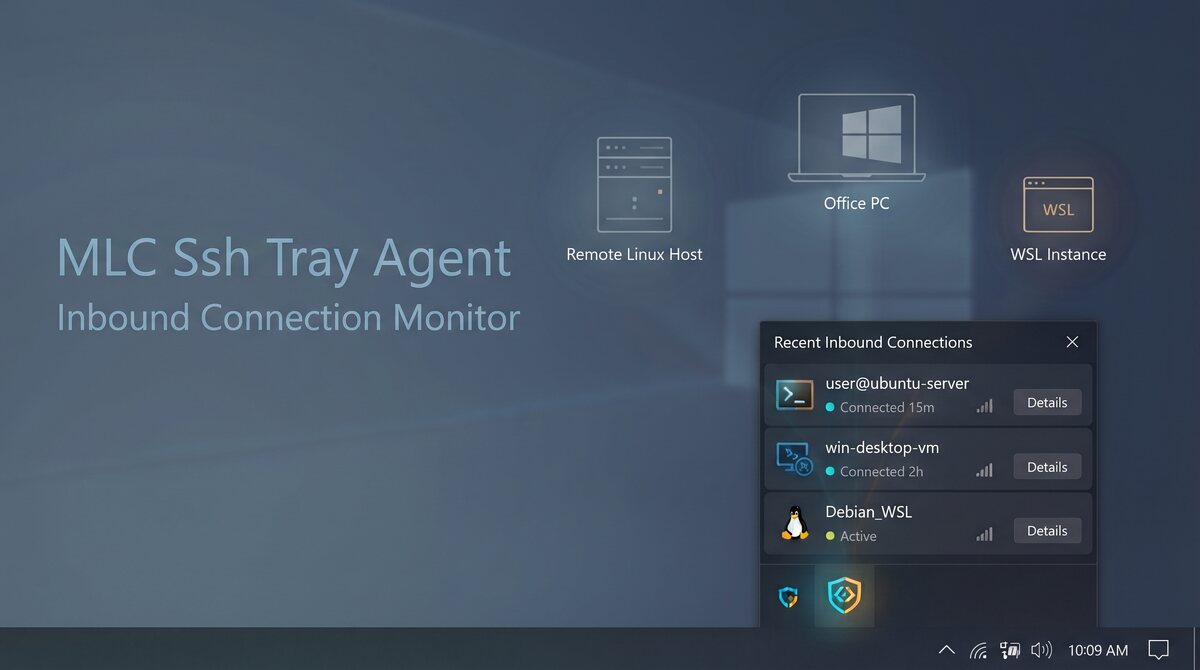
Small Windows tray icon that shows who is connected to this PC right now — SSH, RDP and WSL sessions, with a notification when a new one appears.
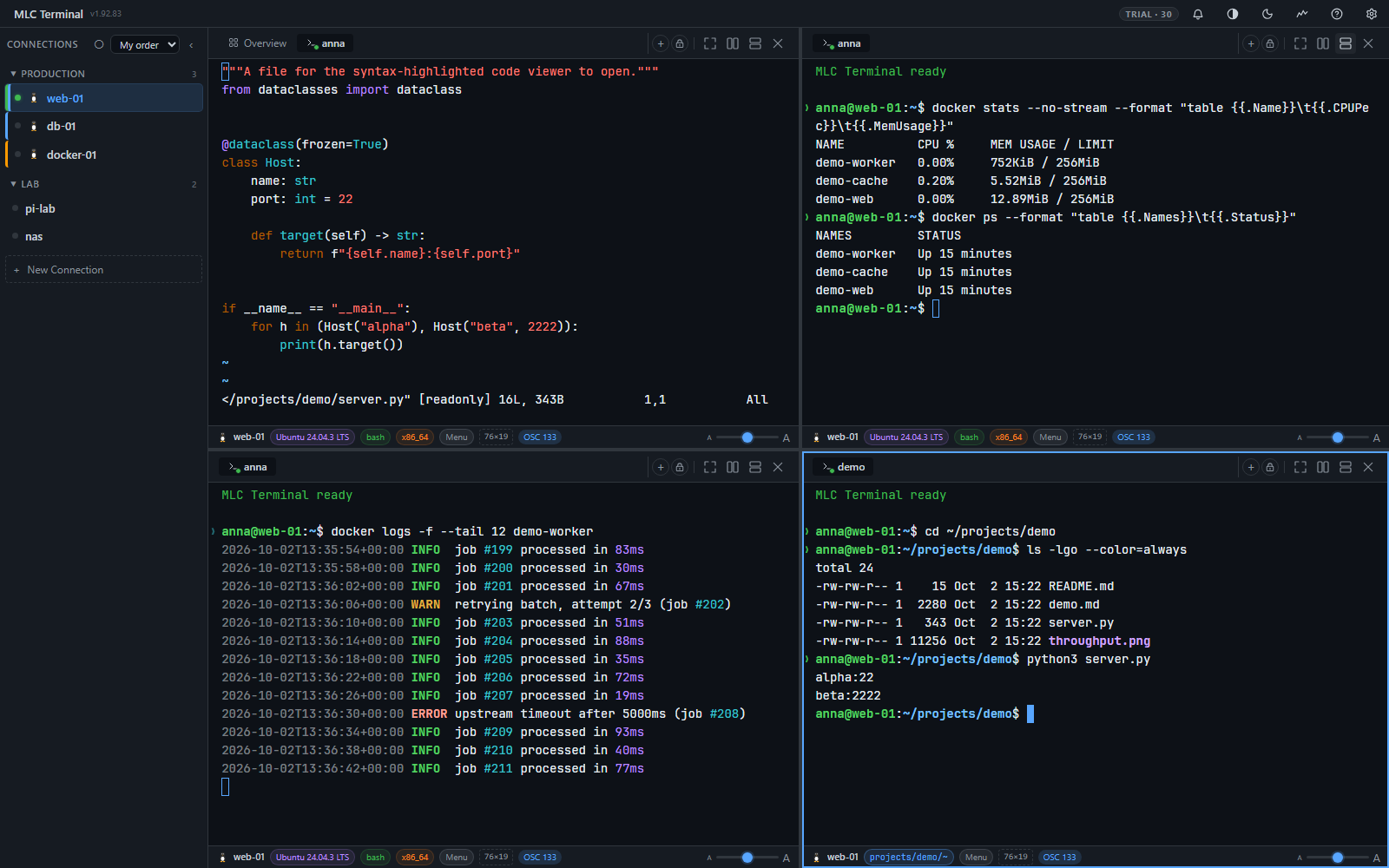
File browser with preview, editor with syntax highlighting, shell and Docker — over plain SSH, with nothing to install on the server. All in one window, freely split into panes.