// MLC OpticScript
Generates a 3x3 contact sheet from a single input image by applying various effects (grayscale, sepia, invert, etc.) and stitching them into a grid with…
Automatically detects image dimensions and applies a centered square crop.
Detects faces with an on-device AI model and either blurs them (privacy) or magnifies them (lupe / spotlight).
Detects every face, then extends the canvas to the right and pastes a circular thumb of each face stacked vertically.
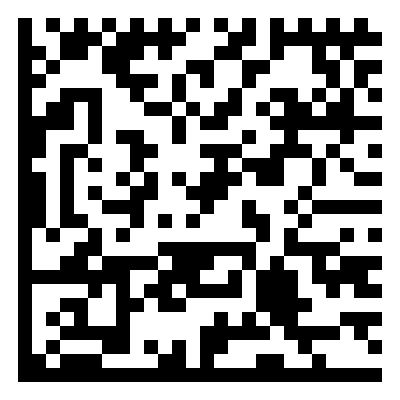
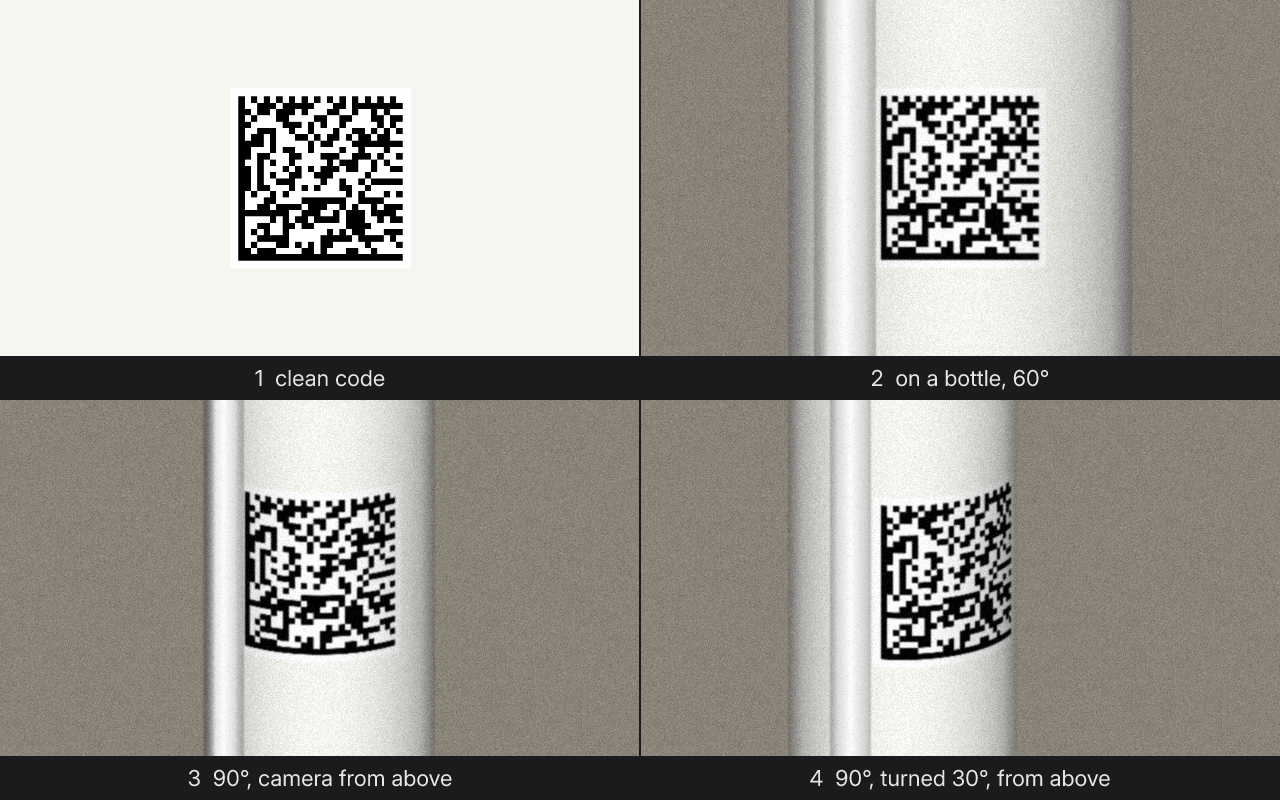
A clean DataMatrix (a medicine pack code) is wrapped around a bottle and lit like a phone photo: the modules narrow towards the edges, the rows bend into arcs…
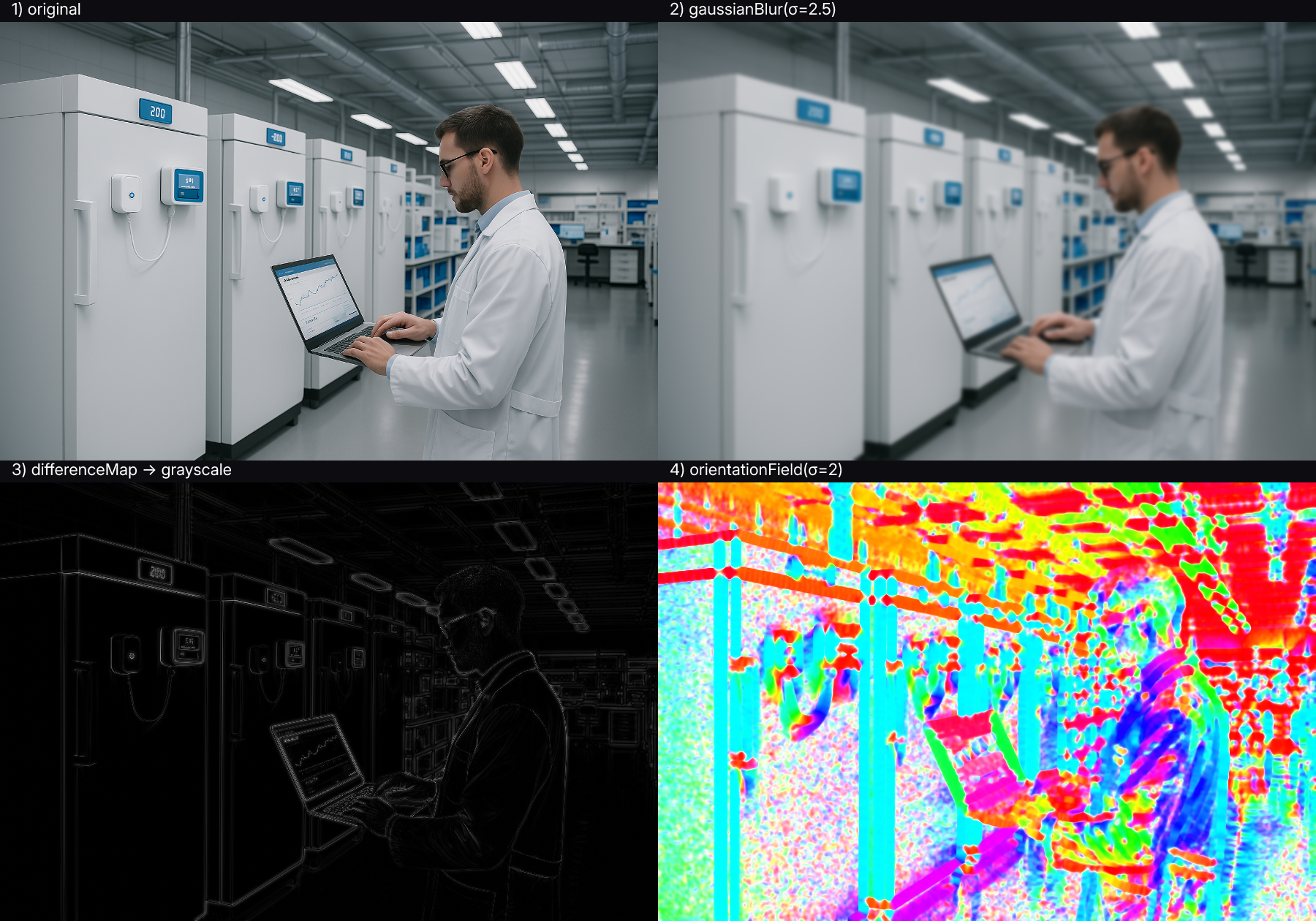
Applies a Gaussian blur effect to an image with a customizable sigma parameter for controlling the blur intensity.
Adjusts the brightness of an image by a specified factor.
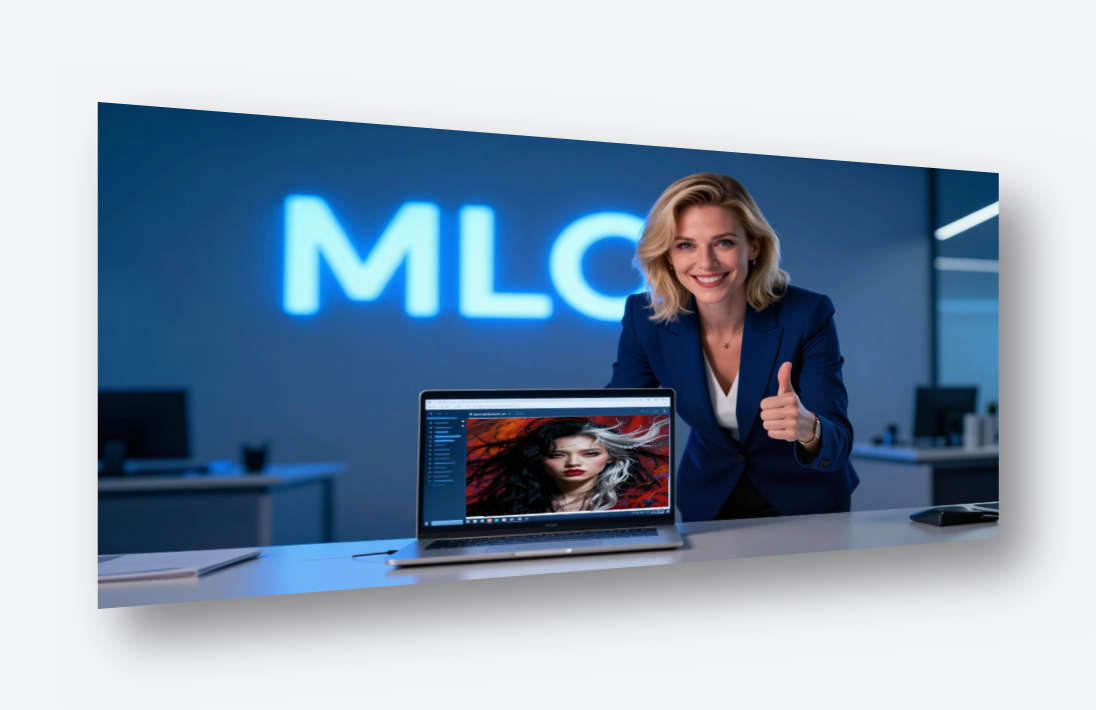
Scales the image, tilts its right edge away and drops a soft shadow underneath — the look product pages and slides use for screenshots.
Renders a full WebP/APNG animation where every frame's hue, swirl, saturation and vignette are functions of t ∈ [0, 1).
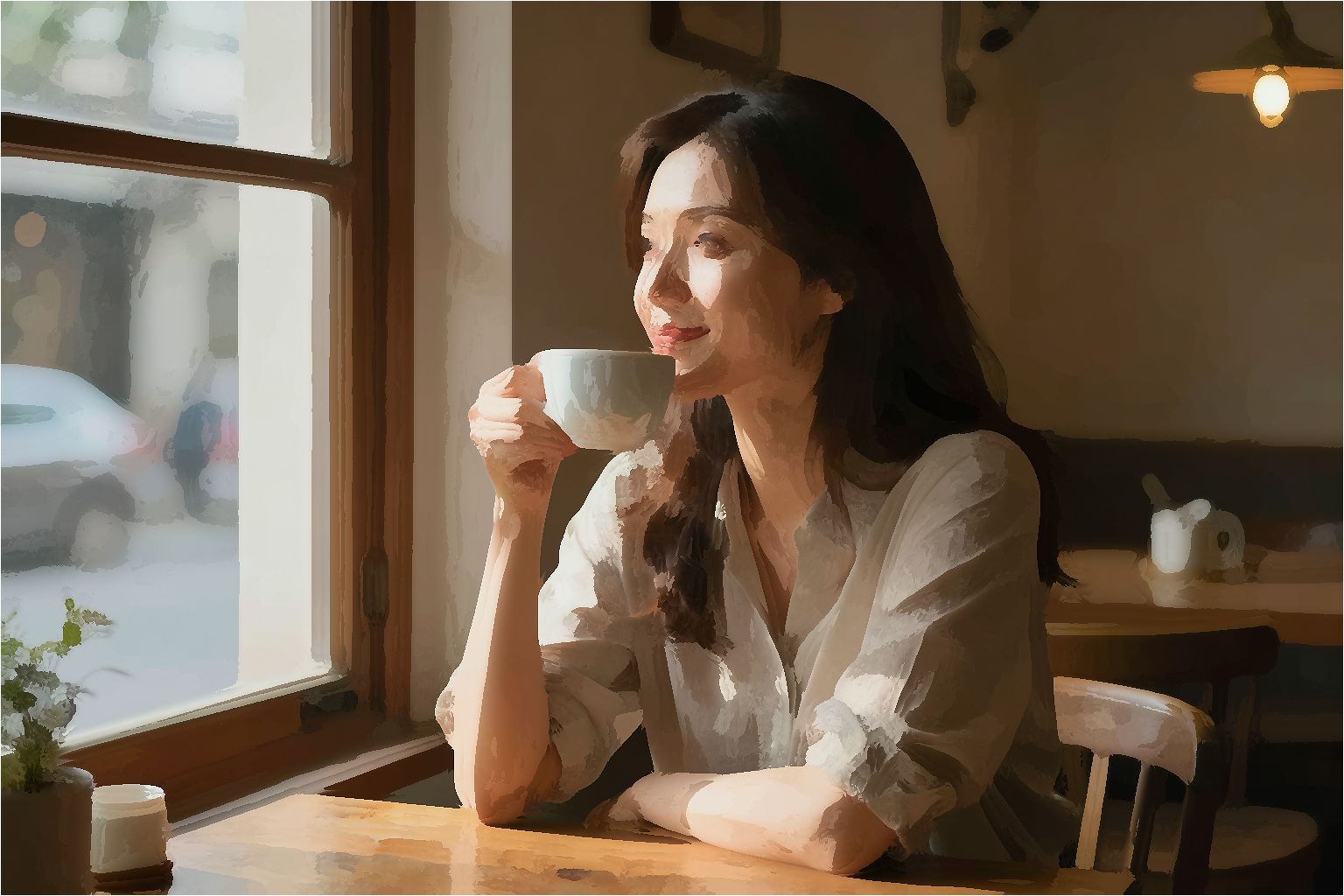
img.anisotropicKuwahara(radius) is the structure-aware
Finds the smallest rectangle that still contains the actual content and crops to it.
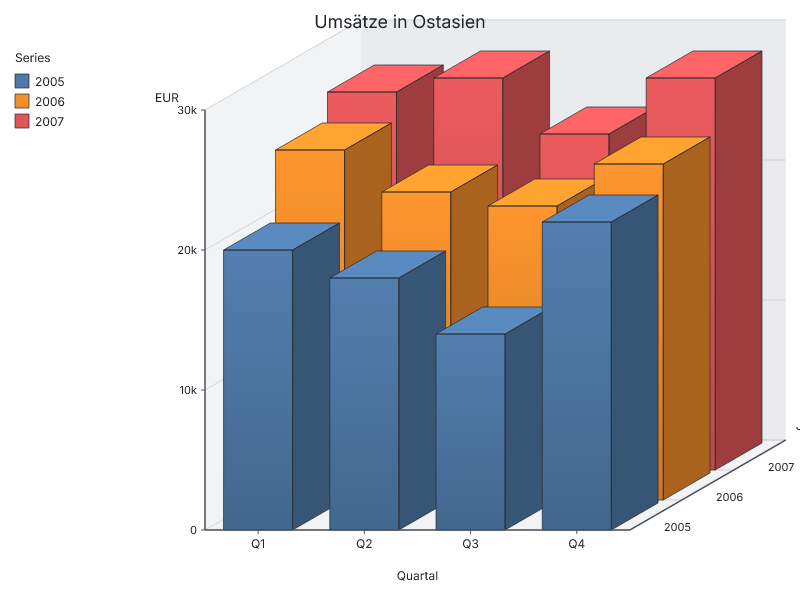
Drives the barchart3d engine extension.
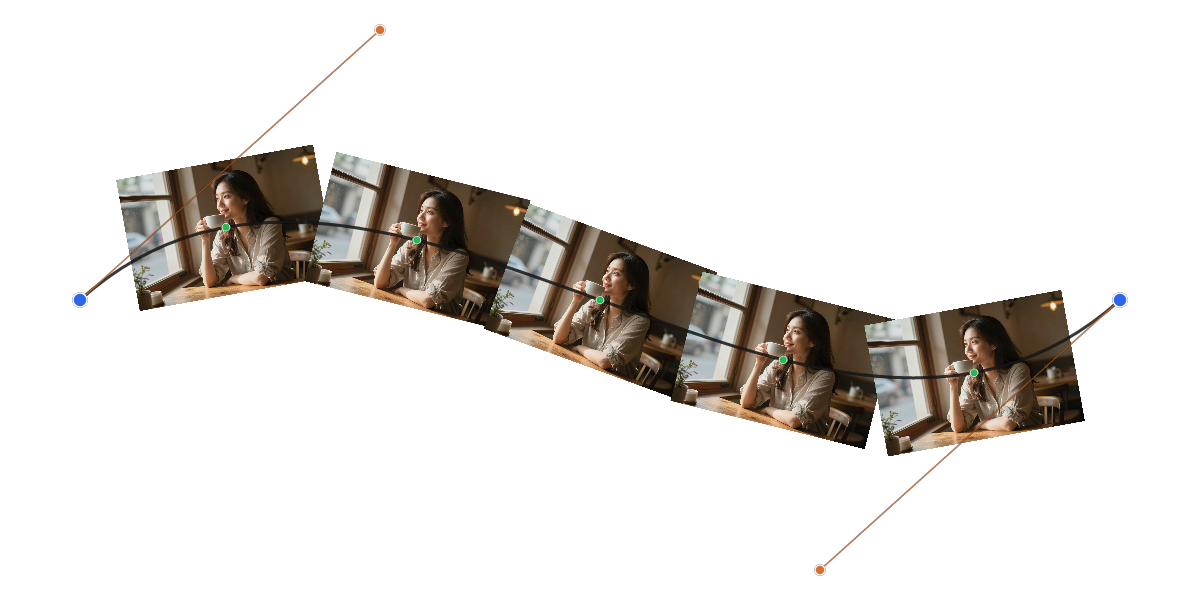
Demonstrates placing multiple images tangent-aligned along a cubic Bézier curve.
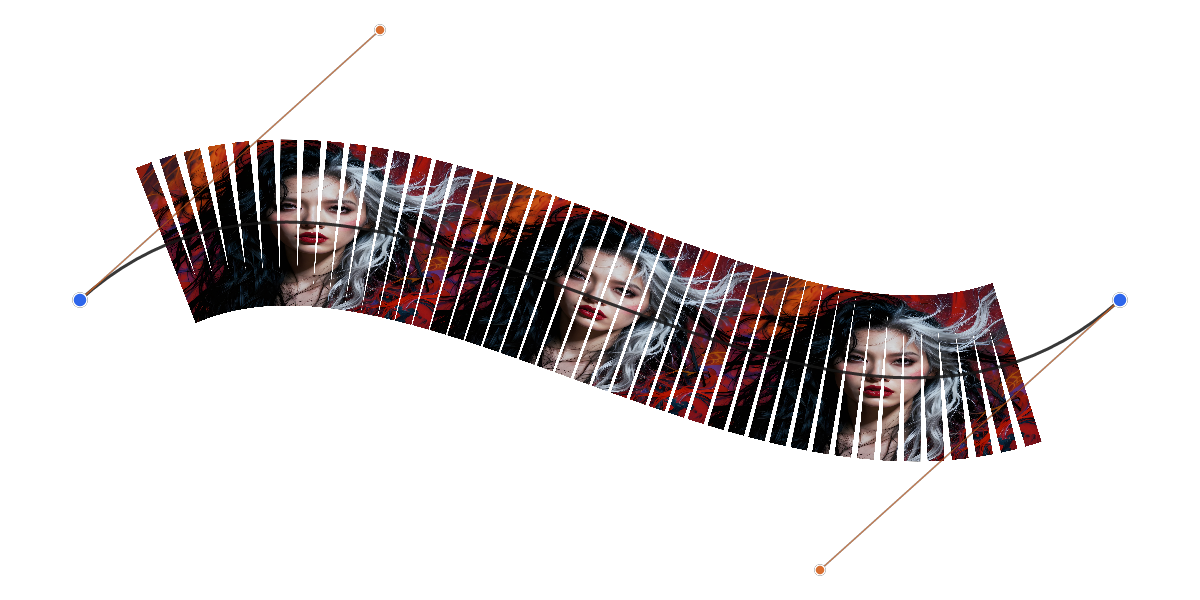
An advanced version of the Bézier placement demo that slices each image into vertical strips and warps them individually.
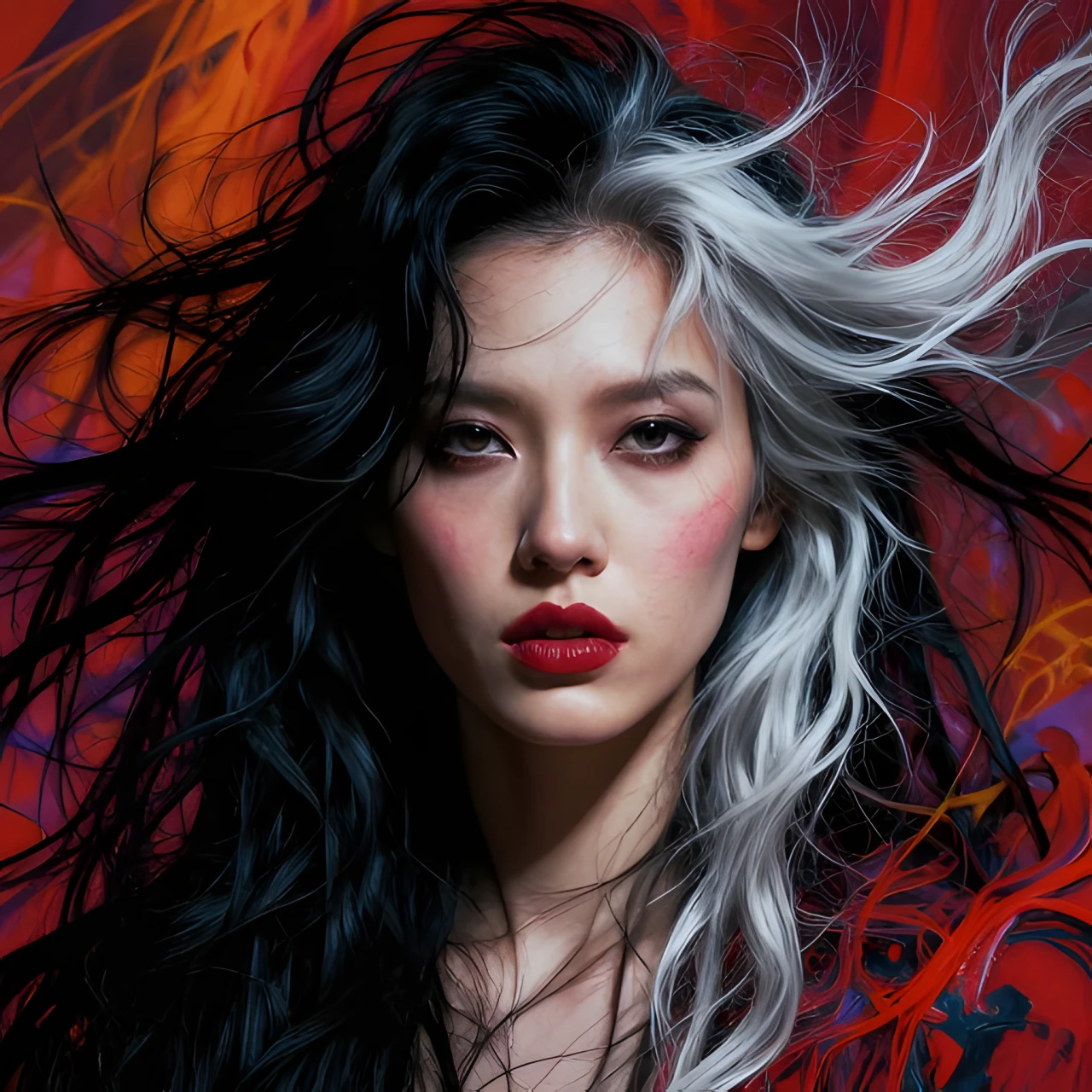
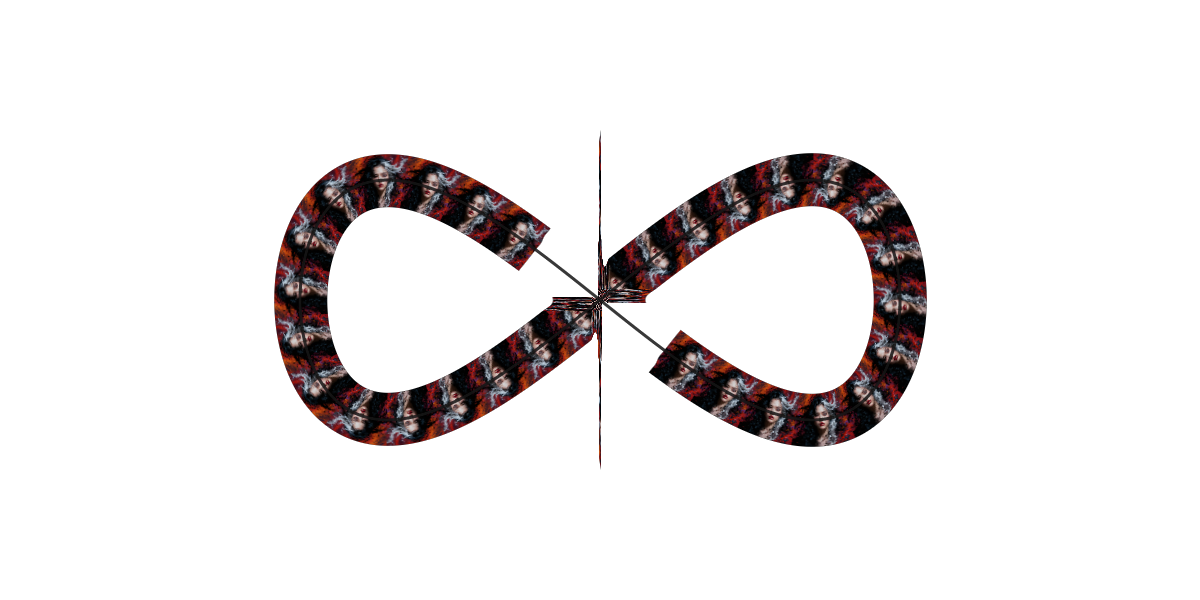
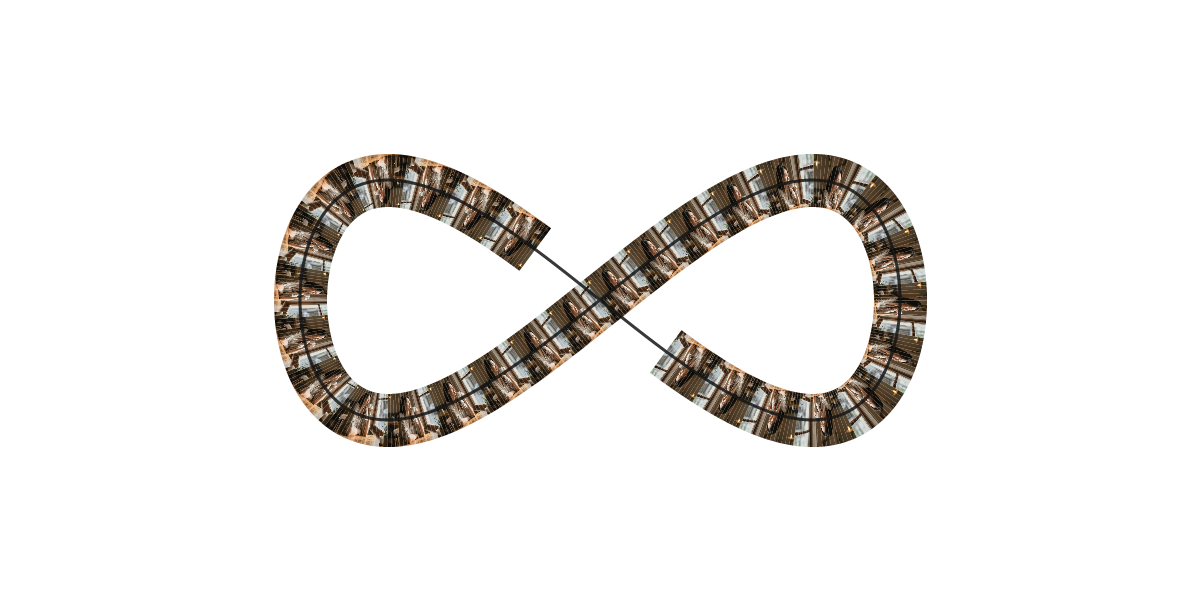
The portrait is laid out as a long row of copies and bent
Cuts the image into strips and warps each one separately so it follows a cubic Bézier curve.
Same image through three different blur kernels stacked
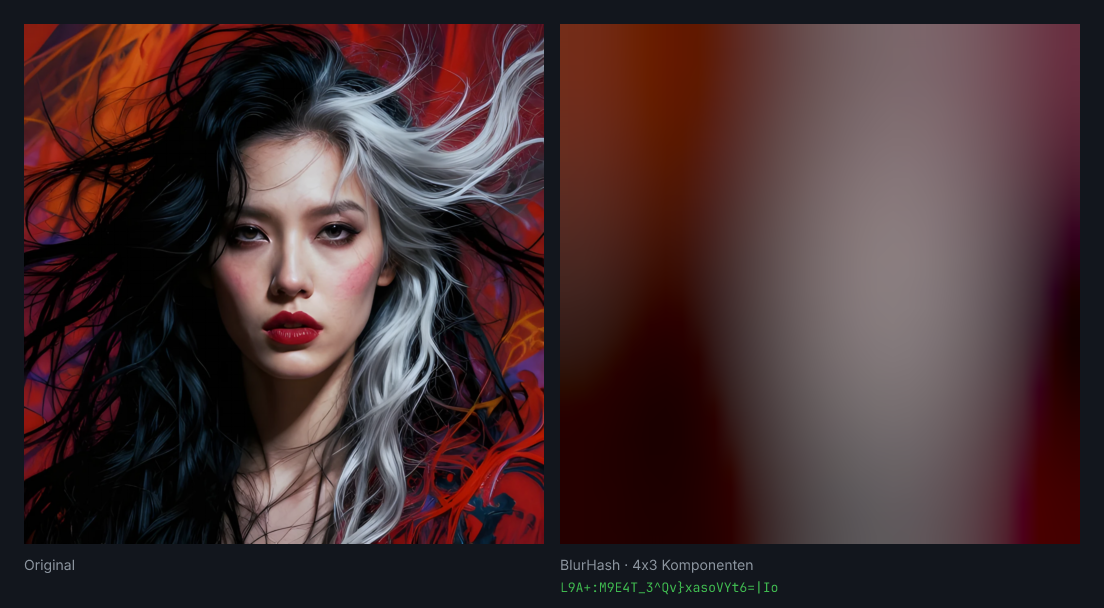
Encodes the image into a BlurHash string and decodes it back, side by side with the original.
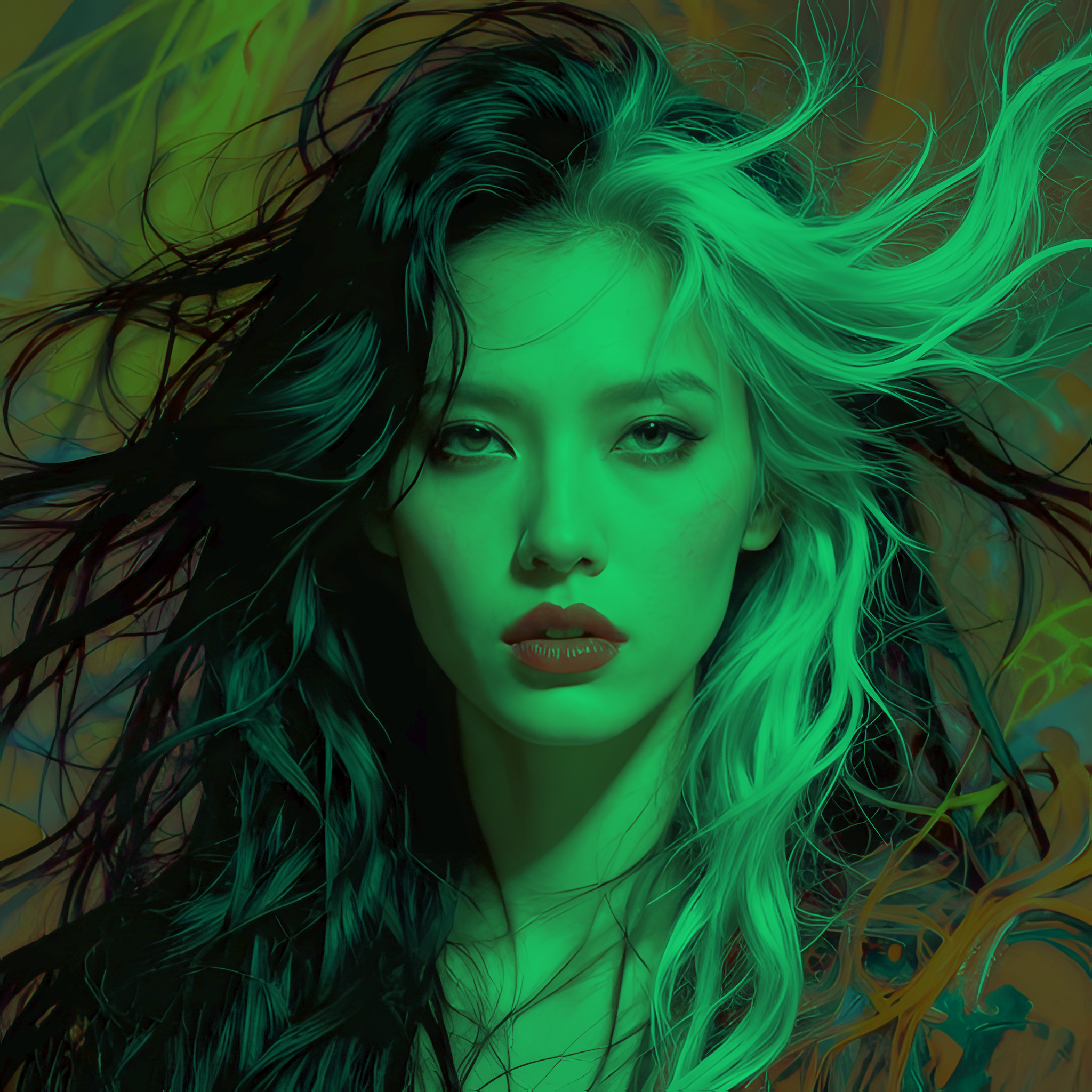
Picks up the colour mood of a reference photo and paints it onto your target.
Creates a side-by-side comparison of two images with color-coded label bars and a vertical divider.
Demonstrates the power of custom convolution kernels by creating a side-by-side showcase of sharpening, embossing, edge detection, and motion blur effects.
Smooth fade between two photos, exported as an animated WebP that
Projects a 3D cube onto a 2D canvas, applying a source image to each visible face with realistic Lambertian shading and a vector wireframe overlay.
A variation of the 3D cube demo that maps three different input images to the visible faces (front, right, and top).
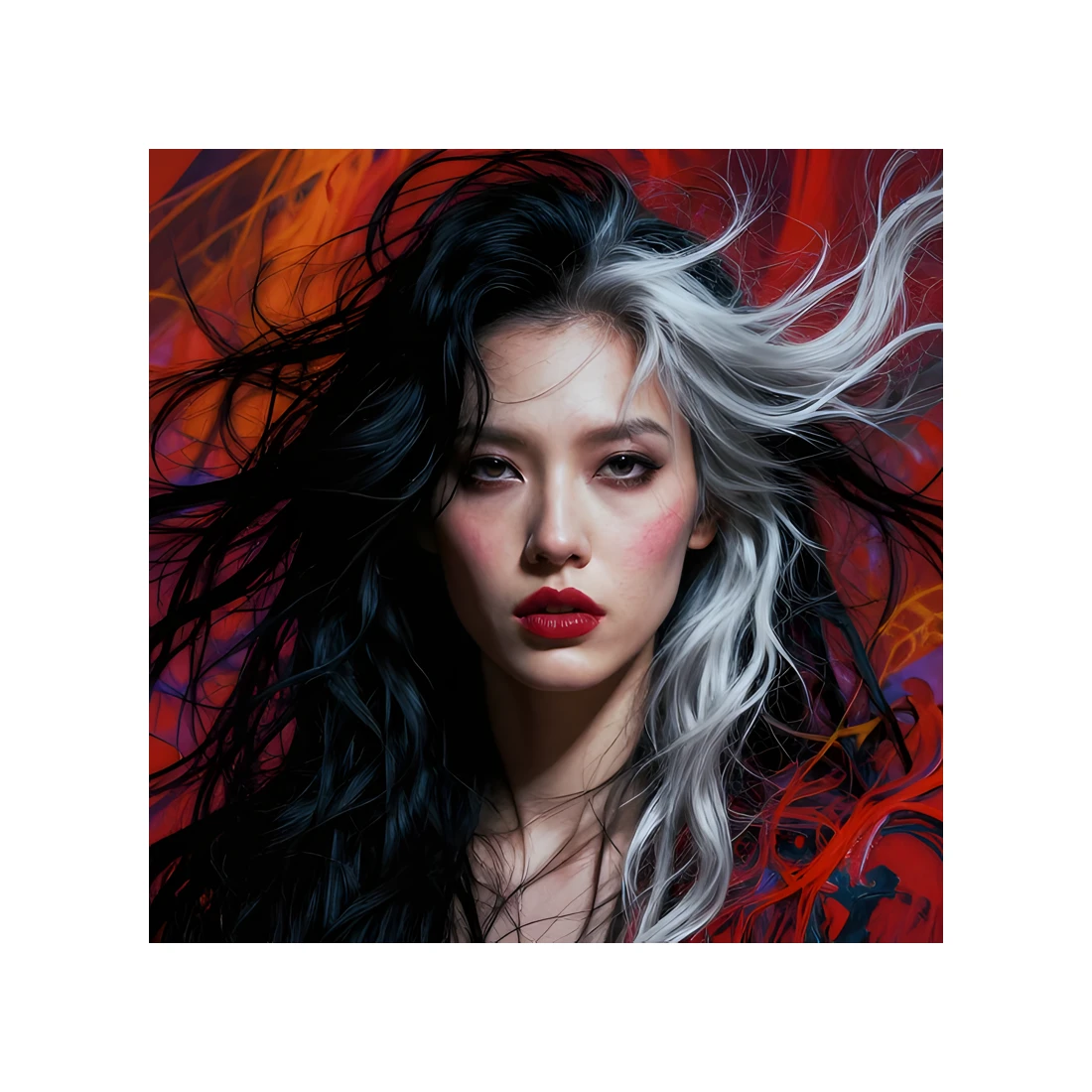
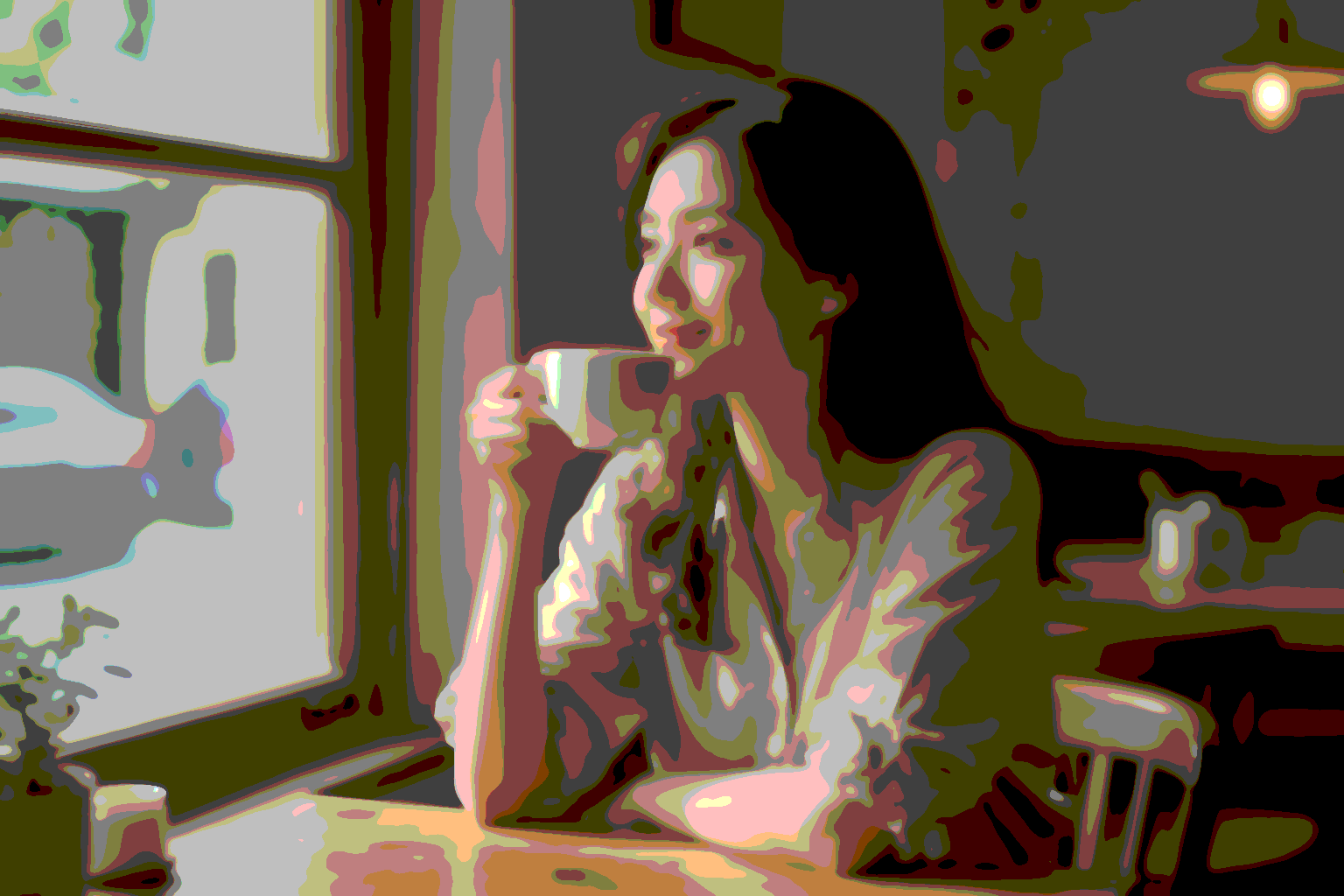
Turns any photo into a graphic-novel / silk-screen poster: the image collapses into a small palette of flat colour fields, then sharp black outlines on top…
The Real-ESRGAN / GFPGAN "high-order degradation model": take a pristine image and synthesise the damage real-world low-quality photos carry, so a restoration…
Pick the four image corners plus POINTS random interior points,
Adds synthetic noise to the input, then runs three different
Simulates a rotating cylindrical drum with multiple image panels.
Hero composition over any photo: title + subtitle + body paragraph
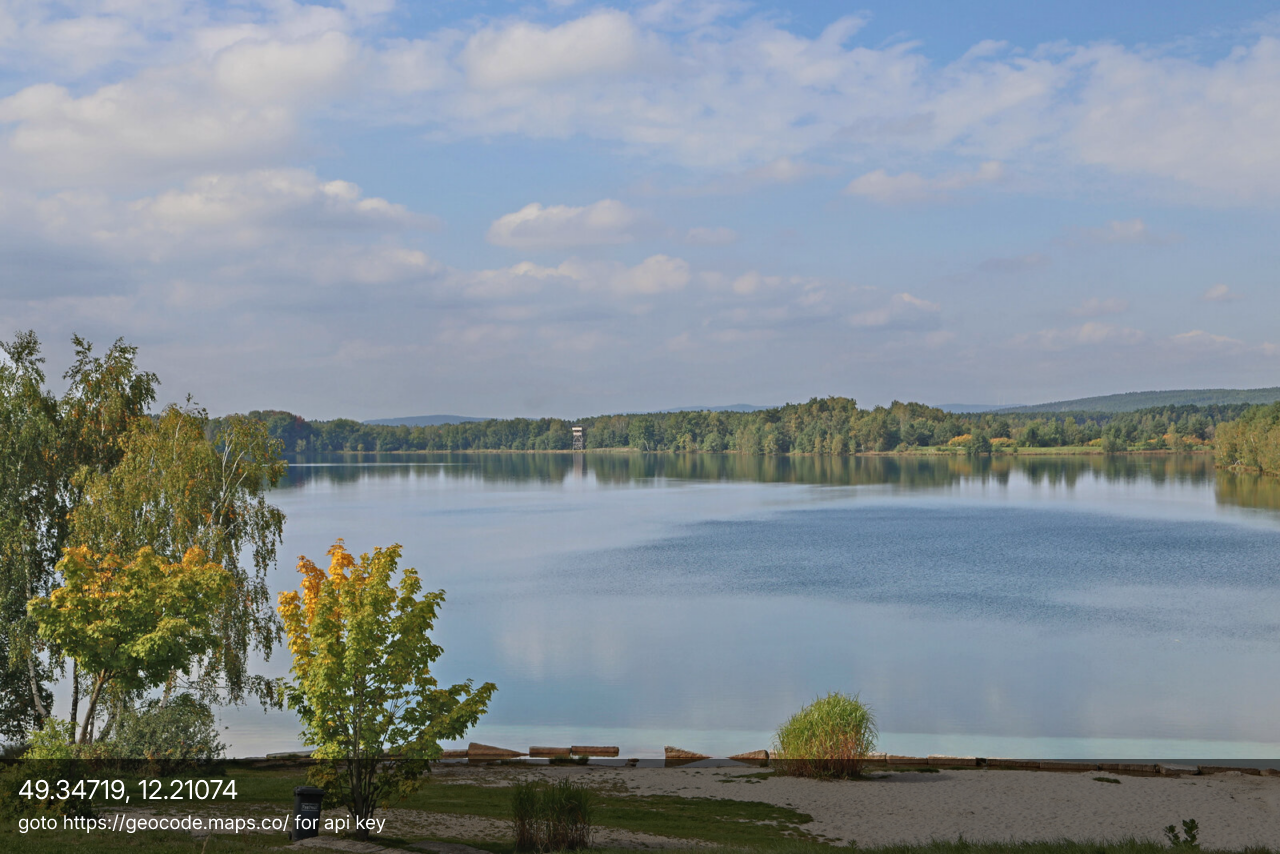
Reads the GPS position from the image's EXIF and writes it onto the picture as a caption bar.
Render the source through a rotated dot grid in the style of an
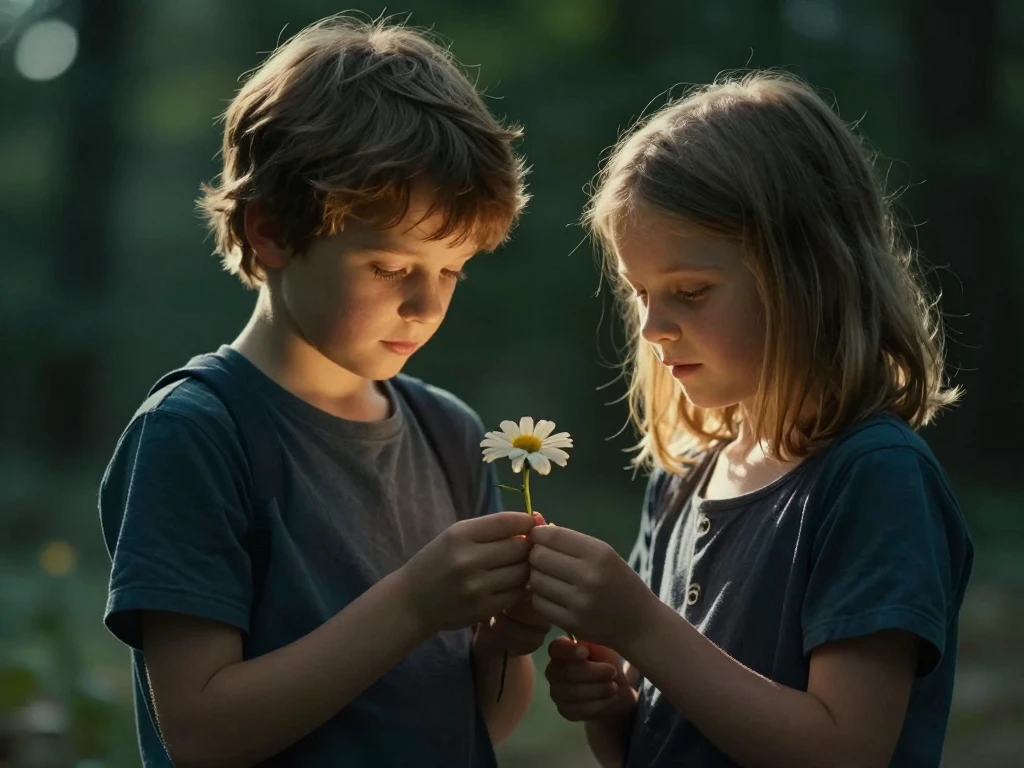
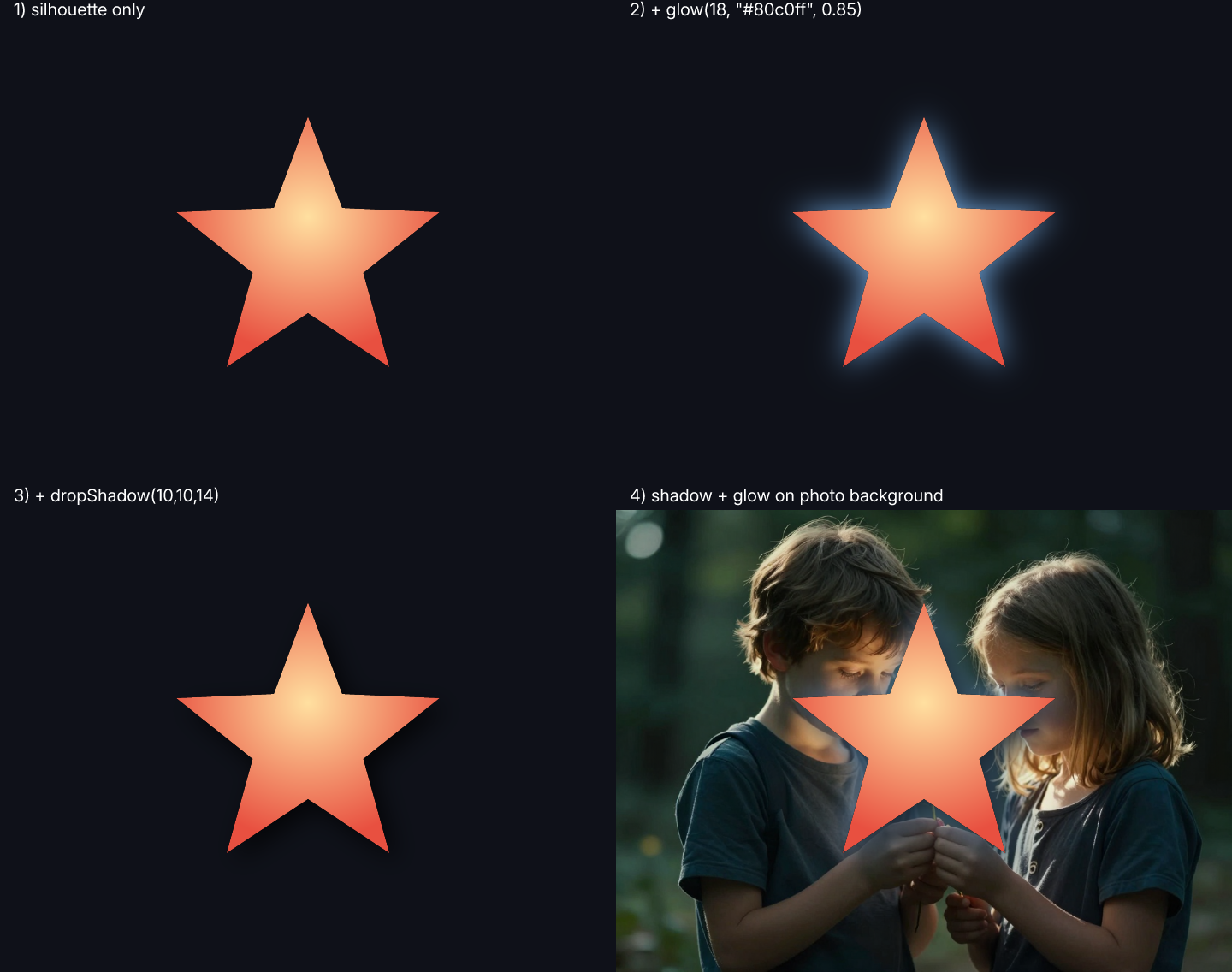
Adds a coloured halo and a soft drop-shadow behind any subject
Fragments the photo into N random rectangles, rotates each a few degrees, drops a shadow under it, and composites the lot back at roughly-but-not-quite the…
img.kuwahara(radius) is the canonical edge-preserving
Sister to demo_barchart3d: same input shape (categories × series) but the values along X are connected as a line, and each series is extruded along Z into a…
Bellard's QuickJS mandelbrot demo, ported from ANSI-coloured terminal blocks to a real ImageHandle.
Visual reference for the built-in Matrix toolbox.
Loads a photo, reads everything Engine.loadImage auto-populates into img.meta() — the opticscript.* tier (fileSize, mime, format, dimensions, colorSpace,…
Shows the three ways the engine surfaces CSS Color Module Level 4 named colors: the NamedColor.<name> global (every CSS L4 colour resolved as a Pixel —…
Interactive comparison of the native addNoise op's three distributions.
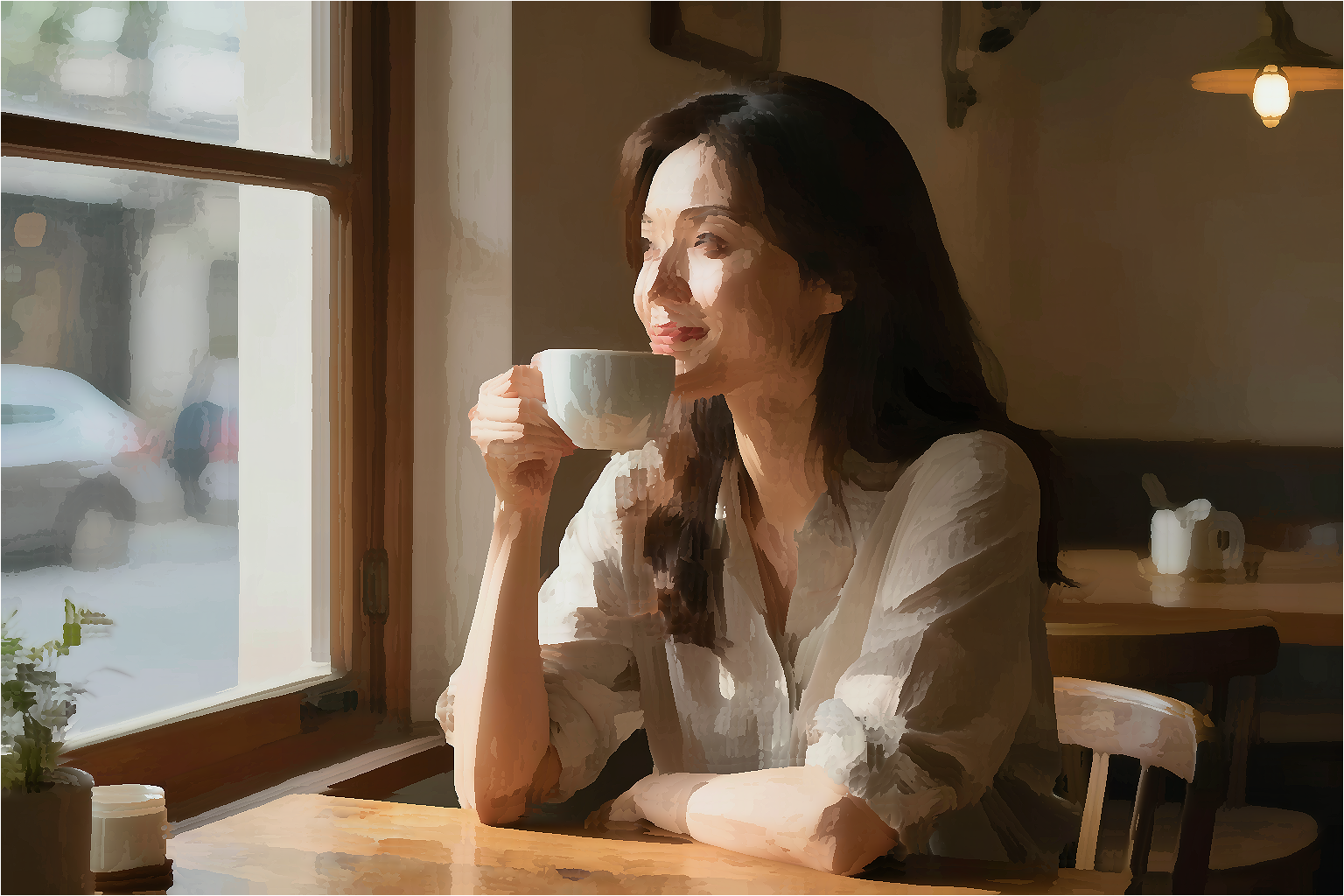
Approximates a painted look from existing engine ops alone — no Kuwahara, no neural net.
Visualises the two atomic ops that anchor the Hertzmann painterly
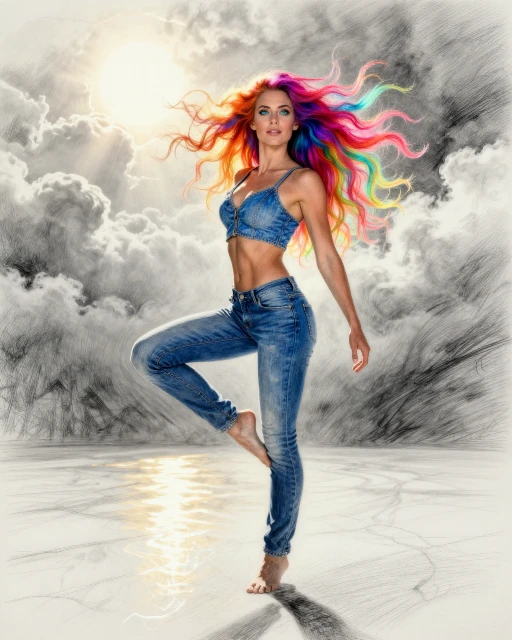

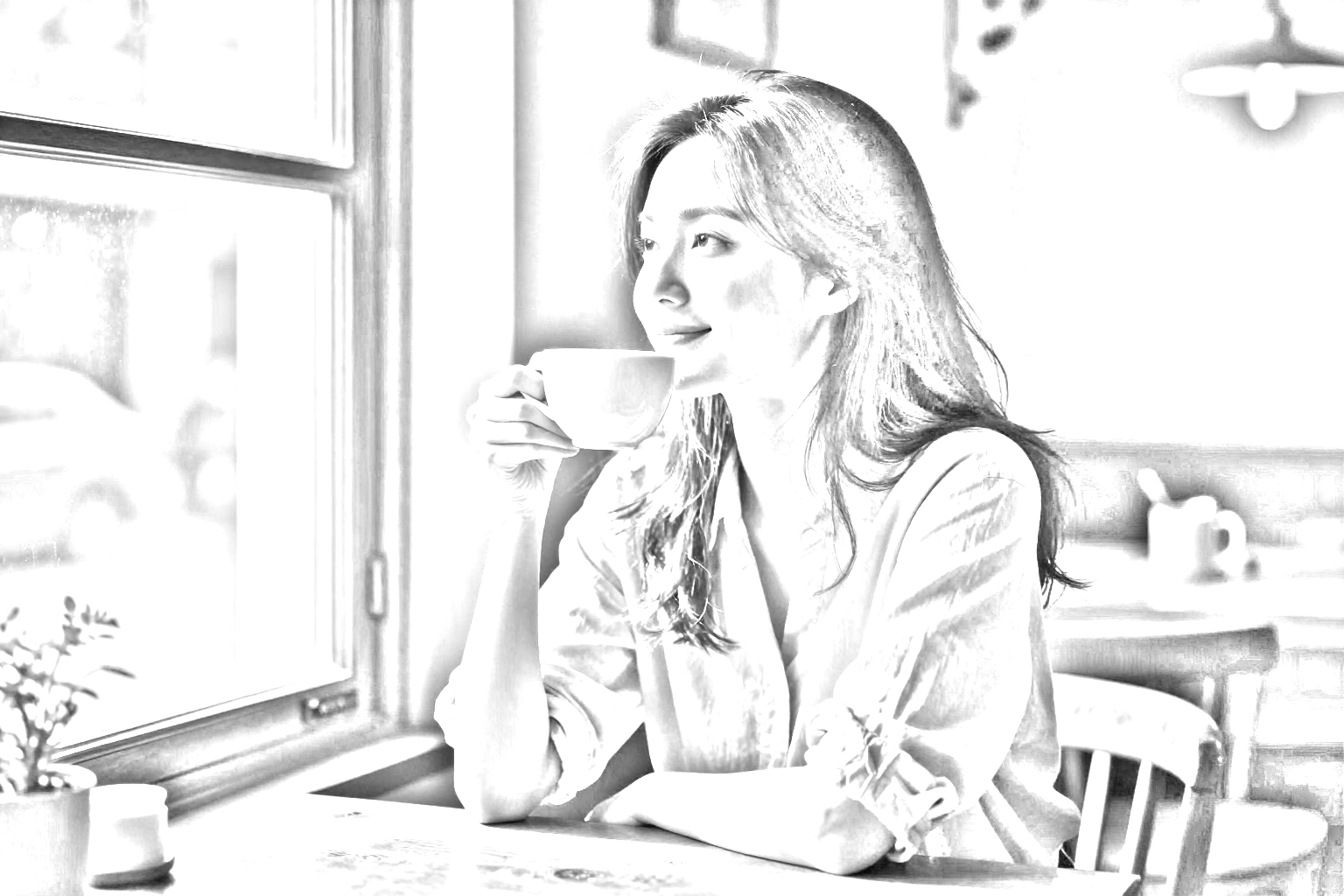
img.pencilSketch(strength) runs the classic Photoshop /
Stream log lines and progress bars to the UI / CLI **while the
Runs 4 sharpen+soften passes with increasing sharpness each
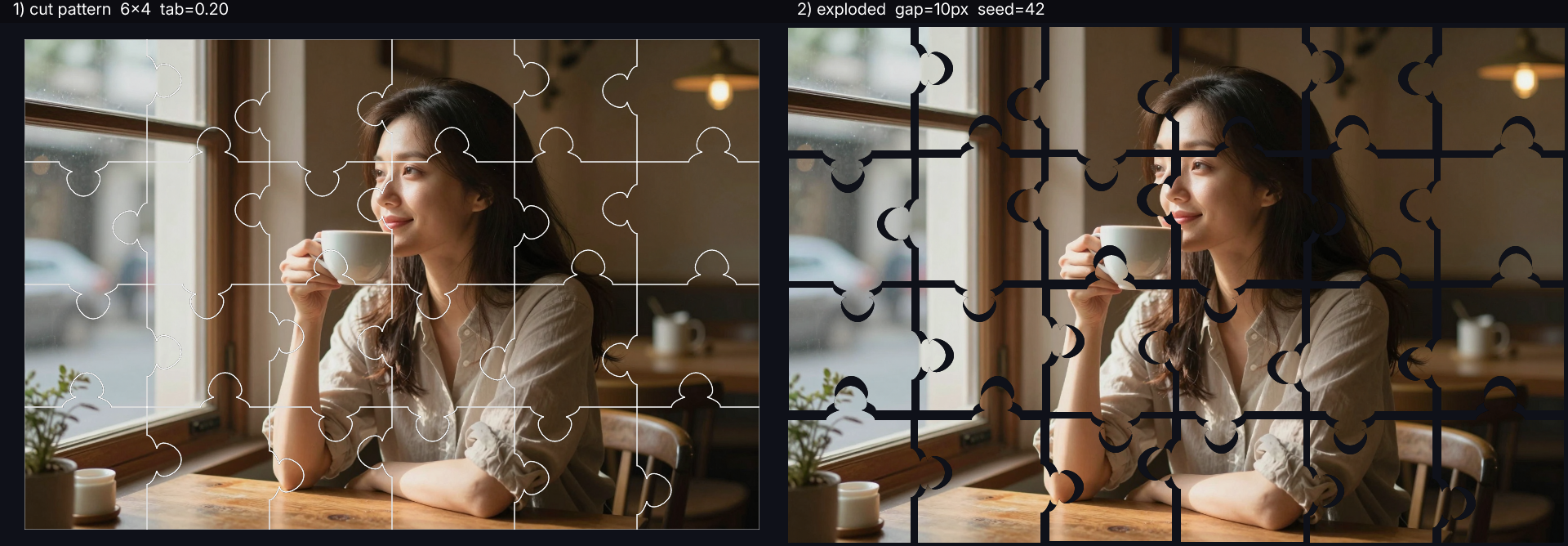
Turns any photo into a classic jigsaw puzzle layout.
QR codes carry built-in Reed-Solomon error correction.
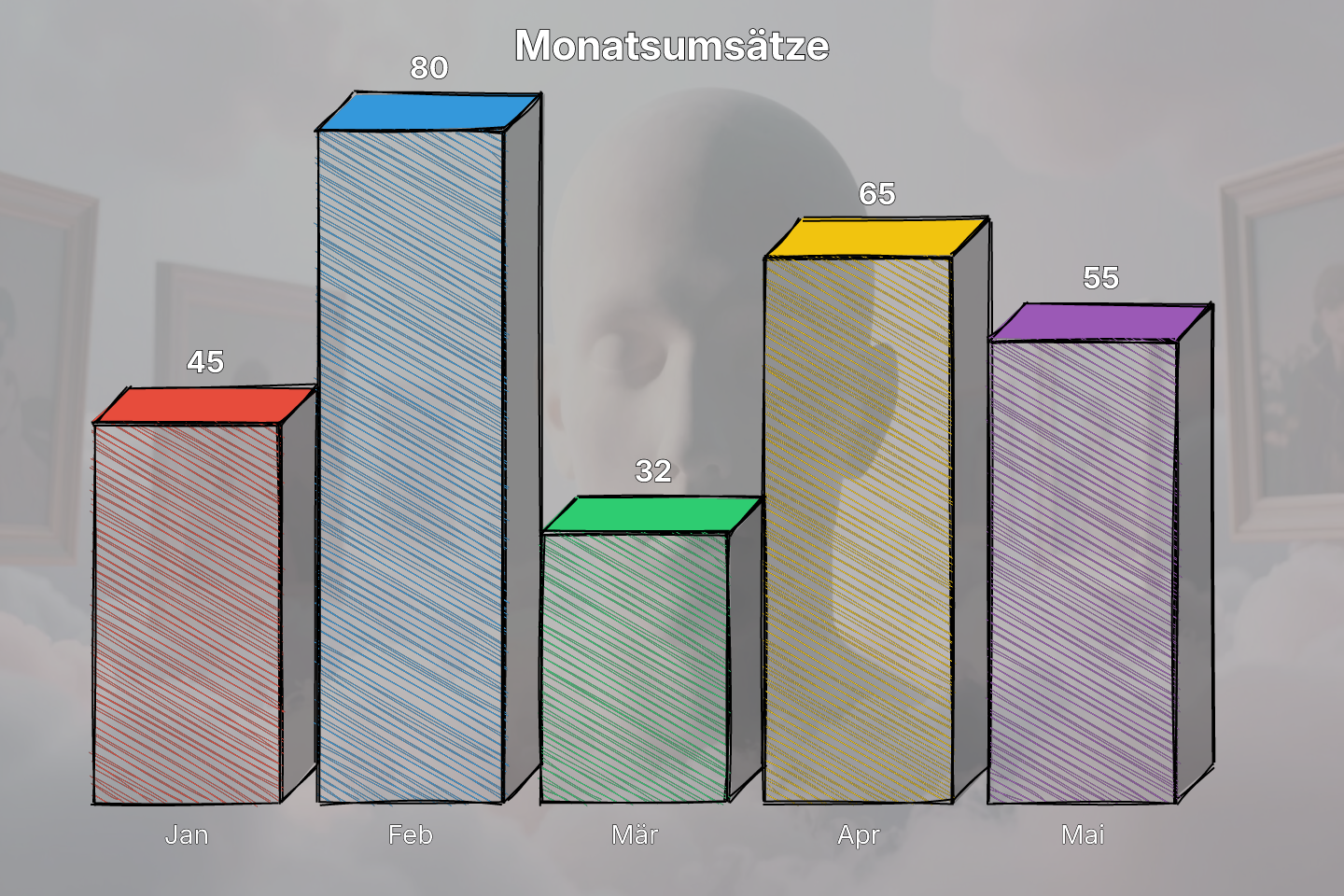
Hand-drawn 3-D bar chart laid over a photo background — the sketchy aesthetic that turns dry numbers into something people actually look at.
Drives the mlcrough engine extension via Engine.getMlcrough().
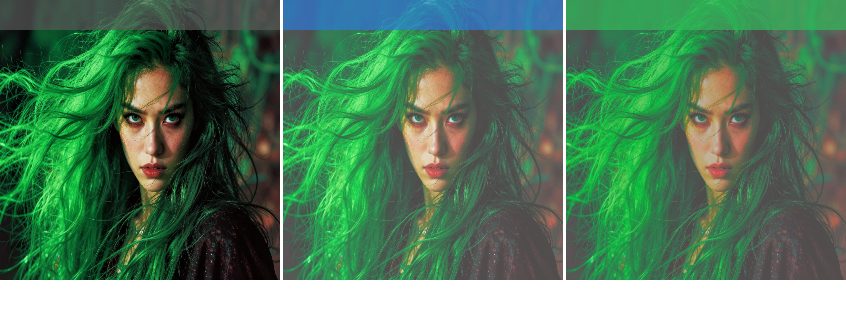
Showcases the shadow and highlight recovery filters with a three-panel comparison — original, shadow lifting, and combined shadow/highlight adjustment.
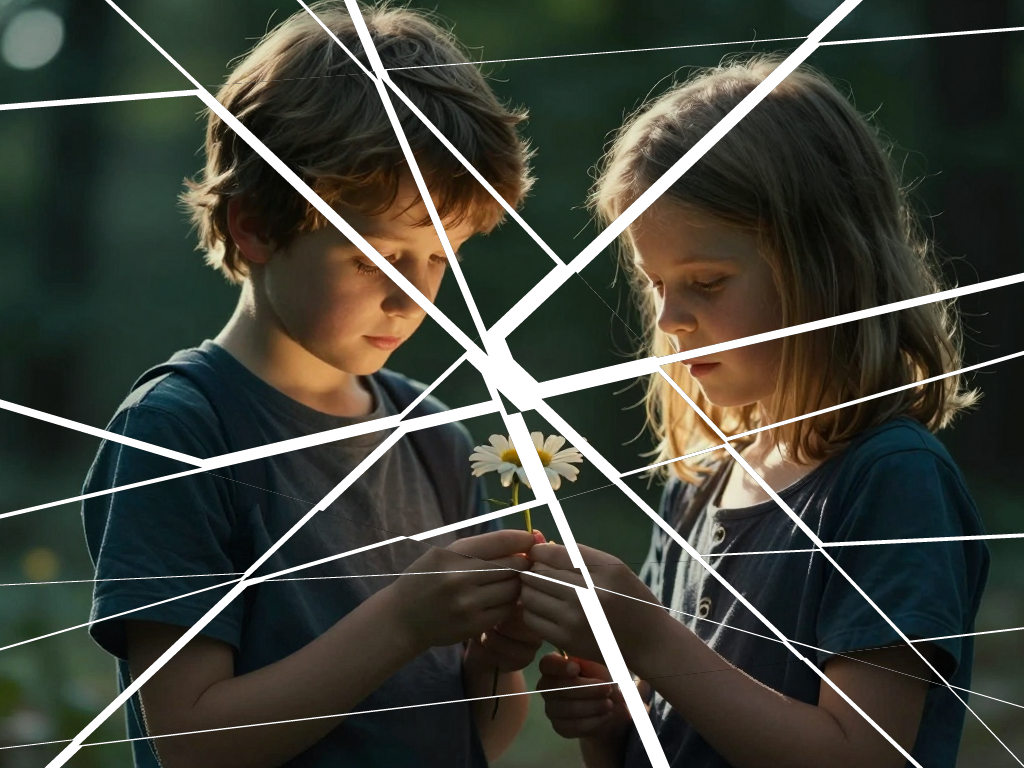
A photo cut apart with a knife: each cut is one straight line from
Composed logo demonstrating Engine.createSVGCanvas at its most practical: radial-gradient disc background, accent ring, tick-mark wreath, chevron crest, and…
Showcase of Engine.createSVGCanvas — same API surface as the raster CanvasHandle (fill / pen / drawPath / linearGradient / radialGradient / drawText) but the…
Demonstrates importing an SVG string, rasterizing it at high resolution, and applying post-processing effects like blur and vignette.
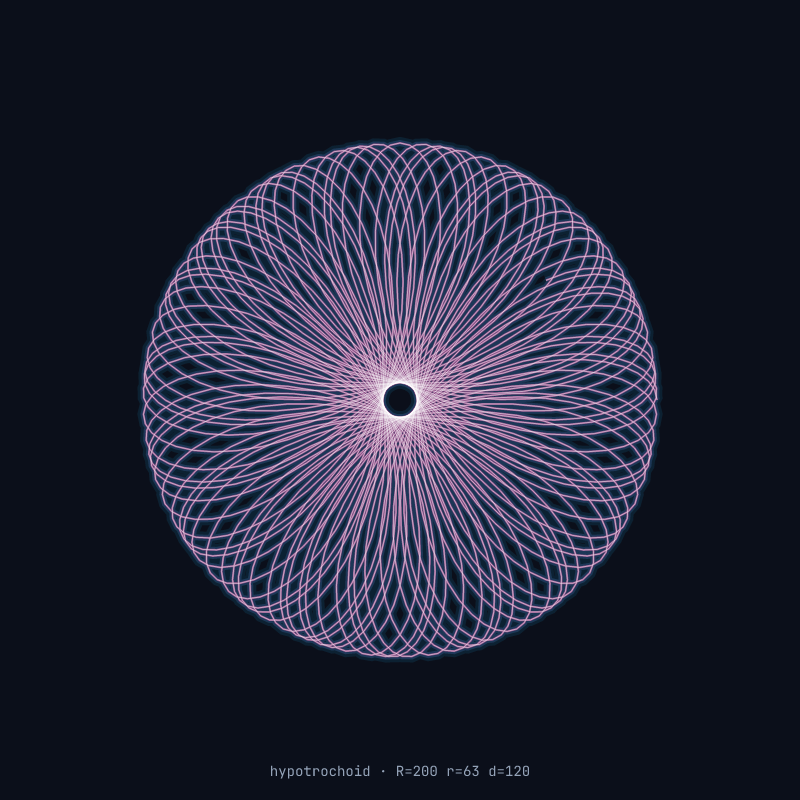
Parametric hypotrochoid drawn as one long polyline onto an SVG canvas, then rendered with neon-glow layered strokes (four successively thinner strokes, each…
Drops watermark, EXIF-style metadata, timestamp, and a centred caption onto a photograph using the engine's two embedded fonts (Inter sans-serif, JetBrains…
Generates 320 / 640 / 1280 px WebP variants from a single source — the same pipeline mlcgo.eu uses at build time to feed an <img srcset>.
Demonstrates how to generate multiple output images from a single input in one script execution.
Automatically traces a photograph into a scalable SVG, ready for logos, prints or any size you need without quality loss.
Applies a combination of sepia tone and vignette to create an artistic, vintage photograph look.
Simple conversion of a color image to grayscale.
Inverts the colors of an image, creating a negative effect.
Demonstrates a comprehensive image processing pipeline combining color grading, sharpening, blurring, and resizing in a single chain.
Simple bilinear resizing of an image to a fixed 200x200 resolution.
Turns the white (or near-white) paper around a drawing into transparency, in one fast pass.
Demonstrates the stampAt helper by placing multiple copies of an image onto a background using 4-point perspective quadrilaterals, allowing for skew and…
Removes sensor noise from photos without the muddy "AI-smoothed" look — fine texture (hair, fabric, foliage) survives.
Replicates the Q-engineering GFPGAN-ncnn pipeline using OpticScript's native ops for everything except the two ML steps.
Demonstrates a pure-Go Tool Plugin built on Pigo (Pico cascade).
Demonstrates a single-input Tool Plugin.
Cuts the background out of any photo and keeps just the foreground subject — works on portraits, products, animals.
Tool-plugin demo.
Mathematically generates a warp grid that simulates an inverse cylindrical projection, creating a 'half-pipe' visual effect where the image appears to curve…
Creates an hourglass-shaped distortion by squeezing the horizontal columns toward the center as they approach the vertical midpoint of the image.
One source image, four effect variants (grayscale, sepia, blur, threshold), each flying in from a different edge to land in its 2×2 quadrant.
Demonstrates how to create a simple fade-in animation by iteratively adjusting the brightness of a source image and adding frames to an animation container.
Demonstrates a two-layer animation where an overlay image slides into the frame from the left over a background image.